


Tired of invoices that confuse clients and slow your payments?
One clear, professional invoice gets you paid faster and stops the email ping-pong.
Free, ready-made templates in Word, Excel, and PDF give you all the required fields—business and client info, invoice number, billing period, itemized services, taxes, payment methods, and due date—so you don’t reformat every time.
You’ll also see professional examples for hourly, flat-fee, and itemized billing plus a simple step-by-step workflow.
Use these templates to send clean invoices that get paid on time.
Complete Templates and Examples to Create an Invoice for Services
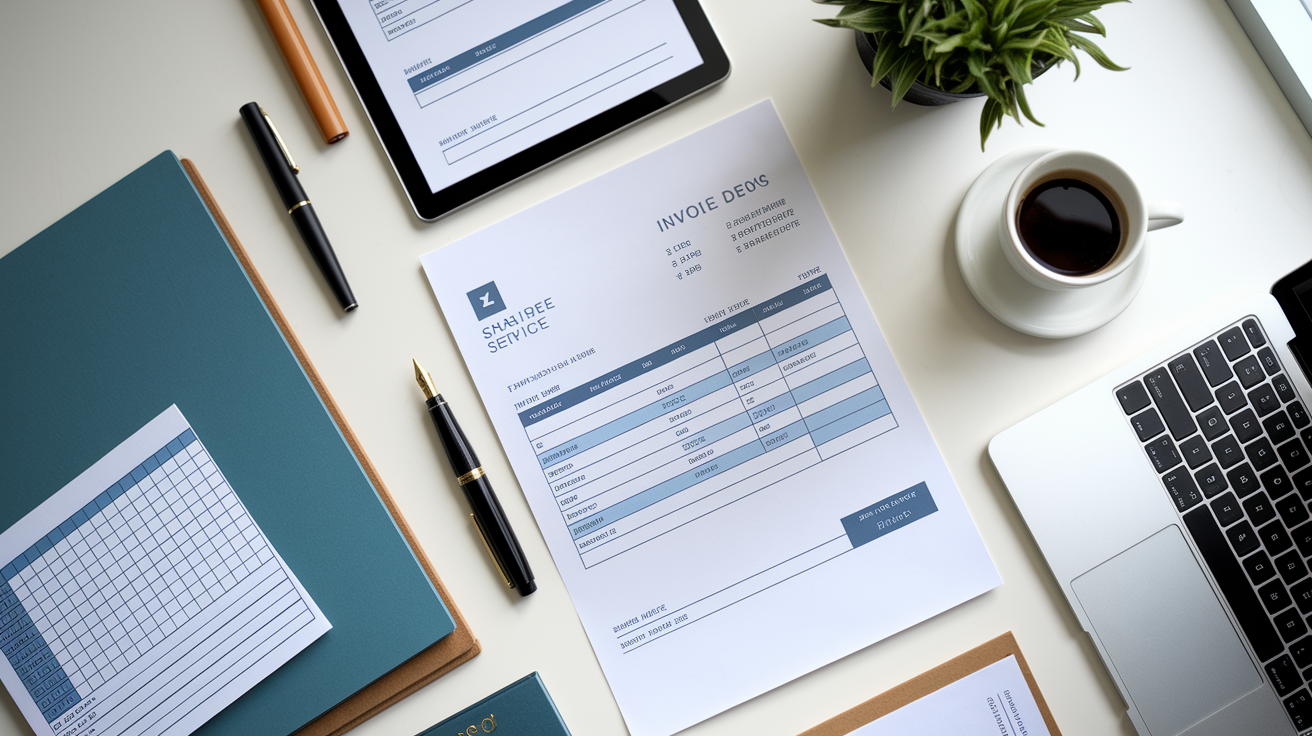
Most service businesses need templates that include every required field without forcing you to format everything from scratch each time. Pre-built templates in Word, Excel, and PDF come loaded with headers for your business name and address, client details, invoice number, date, billing period, itemized service rows, tax line, payment methods, due date, and total. They keep everything structured the same way, cut down on typing mistakes, and speed up how fast you get paid.
A sample line might read “Website maintenance, 8 hours at $95/hr = $760.” The template lines up columns for quantity, rate, and subtotal so the math is obvious. Billing periods sit clearly at the top: “Billing period: December 1 to December 31.” Due dates can be direct: “Payment due January 31, 2025.” That kind of clarity helps clients process payment internally without emailing back and forth about when the work happened or what they actually owe.
When you’re using a good template, you’re also branding the invoice. Drop in your logo, match your colors, done. Clients open the PDF and know who sent it, what the work was, and what you’re asking for. The faster they can confirm everything looks right, the faster they pay. Templates remove the guesswork and make your invoice look professional even if you’re working solo.
Available template formats:
- Word (.docx): Edit in Microsoft Word or Google Docs, customize fonts, colors, and descriptions as needed.
- Excel (.xlsx): Formulas do the math on subtotals and totals, easy to copy rows for multiple services.
- PDF (.pdf): Locked format for email delivery, layout stays intact on any device or printer.
- Google Docs/Sheets: Cloud editing with auto-sync, good if you have a bookkeeper or assistant.
- Editable form templates: Fill in the blanks for name, date, line items without touching the design.
- Industry templates: Built for construction, creative agencies, consulting, or trades with the right terminology already there.
Essential Components in a Service Invoice Format
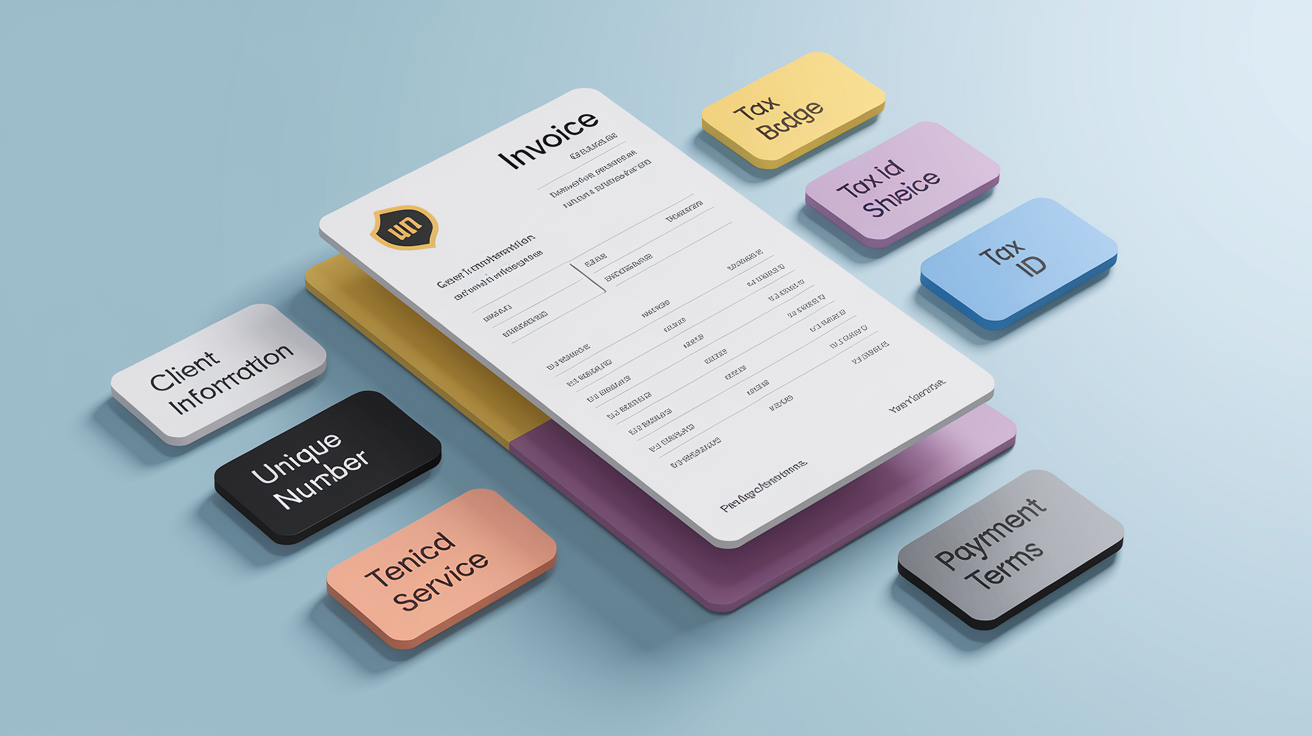
Every service invoice needs certain details or you risk slowing down payment or creating compliance problems. Label the document “Invoice” at the top. Include your full business name and address, phone, email, and any required tax IDs. In the U.S., that’s your EIN. In Europe, your VAT number. In Canada, GST/HST registration. Your client section mirrors that: company name, contact person if you have one, billing address. If you’re shipping anything physical, add a separate “Ship to” address.
The invoice header usually runs across the top third: logo on the left, business contact details underneath, invoice number and date on the right. The invoice number has to be unique. Use whatever convention works, like a simple counter (0001, 0002) or a date sequence. The issue date tells your client when the payment clock started. If you’re billing for a span of work, show the billing period: “Services rendered October 1 to October 31, 2025.” That removes any confusion about what you’re charging for.
The footer holds payment instructions, accepted methods, late-fee policy, and terms. Tax wording might read “Sales tax (7.5%): $67.50” or “VAT (20%): £150.00.” Your totals section should stack: Subtotal, Taxes, Discounts if any, Total Due. Include a due date with specific calendar language. “Payment due within 30 days” is weaker than “Payment due by March 15, 2025.” The clearer you are, the less they’ll sit on it.
How to Invoice for Services: Step-by-Step Workflow

Here’s the full process for building and sending a service invoice that gets paid.
-
Pick or develop a template. Choose a format that fits how you send invoices. Email means Word or PDF. Print and mail means margins of at least 1 inch on all sides. Stick with clean fonts like Arial or Helvetica.
-
Add your business contact information. Full business name or your name if you’re a sole proprietor, address, phone, email, tax IDs where required. Upload your logo if the template supports it.
-
Add client contact details. Company name, contact person, billing address. If there’s a “Ship to” field and you’re not shipping anything, delete the row.
-
Assign a unique invoice number. Use a numbering scheme you can keep going. Example: your first invoice on September 6, 2025, becomes “09062501,” the second that day is “09062502.”
-
Enter the invoice date and billing period. Invoice date is when you send it. If you’re billing for work done over a range, show that: “Billing period: December 1 to December 31.”
-
Itemize services with descriptions, hours or quantity, rate, and subtotal. Each line should read “Market research, 15 hours at $120/hr = $1,800.” Clear descriptions prevent follow-up questions. If you did multiple tasks, list them separately.
-
Add applicable taxes. Look up your state or local sales-tax rate for 2025 if you’re in the U.S. Show the rate and dollar amount: “Sales tax (6%): $108.00.” International invoices may need VAT or GST notation.
-
List accepted payment methods. State the options plainly: “Payment accepted via check, ACH bank transfer, credit card, or PayPal.” Include account numbers, PayPal email, or a payment link if you use online processing.
-
State the payment due date. Use specific calendar language. “Net 30” is fine, but “Payment due January 31, 2025” is clearer.
-
Display the total amount due prominently. Use a larger font or bold for the total. Put it in the bottom-right corner where eyes land naturally.
Hourly, Flat-Fee, and Itemized Service Invoices

Service invoices break into three common structures depending on how you price. Hourly invoices document billable hours per task or project phase. Each line reads “Task description, 12 hours at $75/hr = $900.” Clients get transparency into what you did and how long it took. Standard approach for consulting, freelance writing, design, legal work, or technical projects where scope can shift.
Flat-fee invoices show one fixed charge for a deliverable: “Logo design package: $2,500.” No hourly breakdown, just a lump sum. Clients like the predictability, and you skip the conversation about whether the work took you 10 hours or 40. Use flat fees when scope is locked in a contract and you’re confident in your efficiency.
Itemized invoices break a project into discrete activities or milestones, each with its own subtotal. Example: “Phase 1 research: $3,000 | Phase 2 wireframes: $4,500 | Phase 3 final design: $6,000.” Works well for multi-stage projects, construction trades, and agency retainers where clients want to see what’s billed when.
When each invoice type fits:
- Hourly: Scope is uncertain or work is ongoing and billed weekly or monthly.
- Flat-fee: Deliverable and timeline are fixed in advance and client wants budget certainty.
- Itemized by phase: Projects span weeks or months and client approval gates each stage.
- Itemized by task: You perform unrelated services in one period, like “SEO audit + copywriting + monthly reporting.”
- Mixed: You combine a retainer (flat monthly fee) with hourly overage for requests outside the retainer scope.
Industry Examples: Freelance, Consulting, and Contractor Invoices

Freelance invoices typically bill hourly or per deliverable. A freelance graphic designer might write “Logo concepts, 6 hours at $100/hr = $600 | Client revisions, 3 hours at $100/hr = $300 | Total: $900.” The invoice reflects actual time or a flat project fee, depending on the agreement. Freelancers often juggle multiple clients in a billing cycle, so invoices may consolidate several small projects or show one large engagement.
Consulting invoices lean on retainers or milestone billing. A business consultant might charge “$5,000/month retainer for strategic advisory, plus hourly billing at $200/hr for implementation work beyond 20 hours.” The invoice would show “Retainer fee (January 2025): $5,000 | Additional consulting, 8 hours at $200/hr = $1,600 | Total: $6,600.” Retainer language creates predictable revenue and cuts down on monthly invoicing effort.
Contractor invoices for construction, electrical, plumbing, or HVAC often use progress billing tied to project milestones. Example: “Foundation complete: $12,000 | Framing complete: $18,000 | Rough-in plumbing and electrical: $9,000.” Each milestone triggers an invoice, and the client pays as phases finish. Keeps cash flowing without waiting for full project completion. Contractors also split out materials and labor separately if the contract requires it, so the invoice might read “Labor, 40 hours at $65/hr = $2,600 | Materials (itemized on attached receipt): $1,850 | Total: $4,450.”
Understanding Payment Terms and Late-Fee Policies

Payment terms tell the client when the money is due and what happens if it’s late. Common terms include Net 30, Net 60, EOM, and due on receipt. Net 30 means payment is due 30 days from the invoice date. If you invoice on January 5, payment is due February 4. Net 60 stretches that window to 60 days. EOM means payment is due by the end of the month in which the invoice was issued, so a January 10 invoice is due January 31. Due on receipt means the client should pay immediately. Works for small jobs, prepayments, or rush work.
Late-fee policies protect you when clients miss the deadline. State the policy clearly: “Late payments incur a 1.5% monthly finance charge” or “Invoices unpaid after 30 days are subject to a $50 late fee.” Check your local regulations, some states cap late-fee percentages. The goal isn’t to profit from late fees, it’s to create an incentive for on-time payment. Clients who see the policy upfront are less likely to drag their feet.
Payment term definitions:
- Net 30: Due 30 days from invoice date.
- Net 60: Due 60 days from invoice date.
- EOM (End of Month): Due by the last day of the invoice month.
- Due on receipt: Due immediately when client receives the invoice.
If your client uses purchase orders (POs), include the PO number on the invoice. That helps their accounts-payable team match your invoice to their internal approval. Missing PO numbers can delay payment by weeks.
Taxes, VAT, and International Service Invoicing
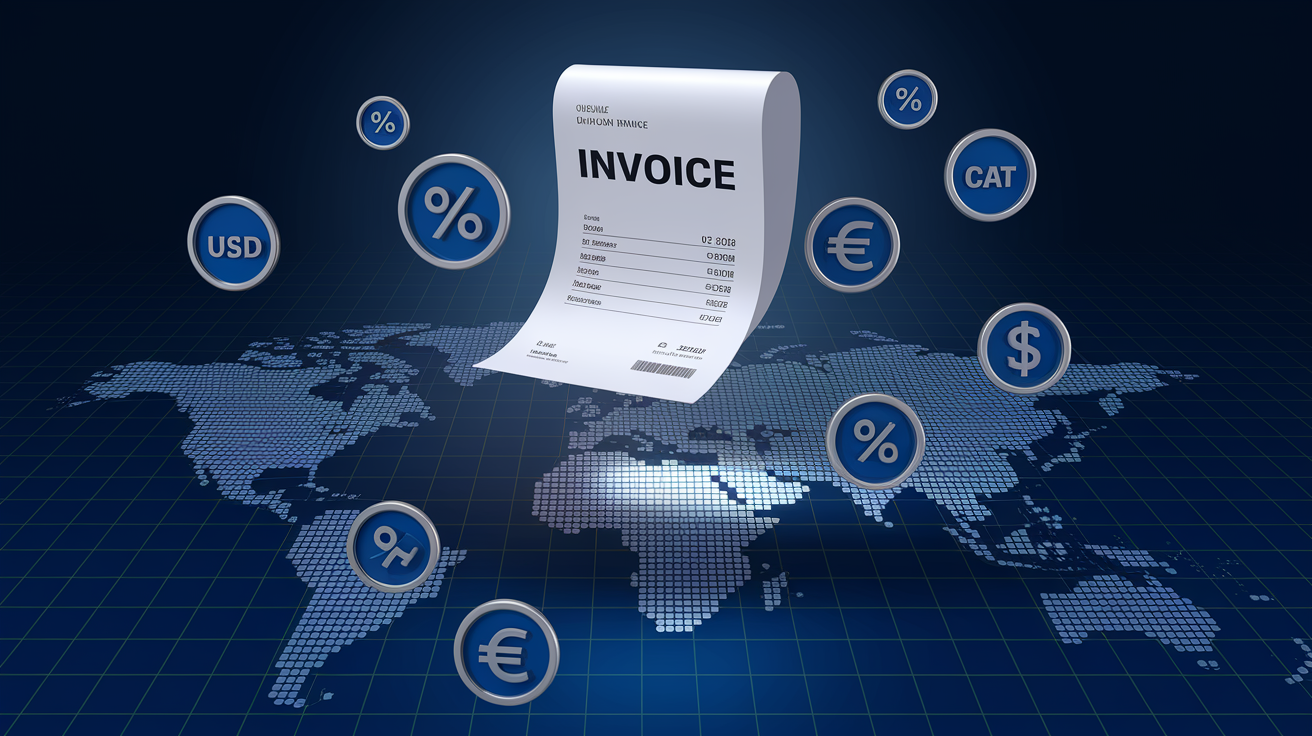
In the U.S., you charge and display sales tax based on state and local rules. Some states tax services, some don’t. Reference your state’s 2025 sales-tax guidance to confirm rates and whether your service category is taxable. If you’re registered to collect tax, show the rate and dollar amount: “Subtotal: $2,000 | Sales tax (7%): $140 | Total: $2,140.” If you’re not required to collect tax, you can note “Tax-exempt service” or omit the tax line.
International invoices require VAT IDs in Europe, GST or HST registration numbers in Canada, and potentially customs documentation for cross-border service delivery. If you’re a U.S. provider billing a European client, the invoice may need a VAT reverse-charge notation, meaning the client self-assesses VAT in their own country. Example wording: “VAT reverse charge applies under Article 196, EU VAT Directive.”
Foreign-currency invoicing matters when your client pays in a currency other than your own. State the currency clearly: “Total due: €3,500 EUR” or “Total due: CAD $4,200.” Use the exchange rate in effect on the invoice date and note it if disputes come up later. Some invoicing software auto-converts and timestamps the rate for transparency.
Progress Billing, Retainers, Deposits, and Partial Payments
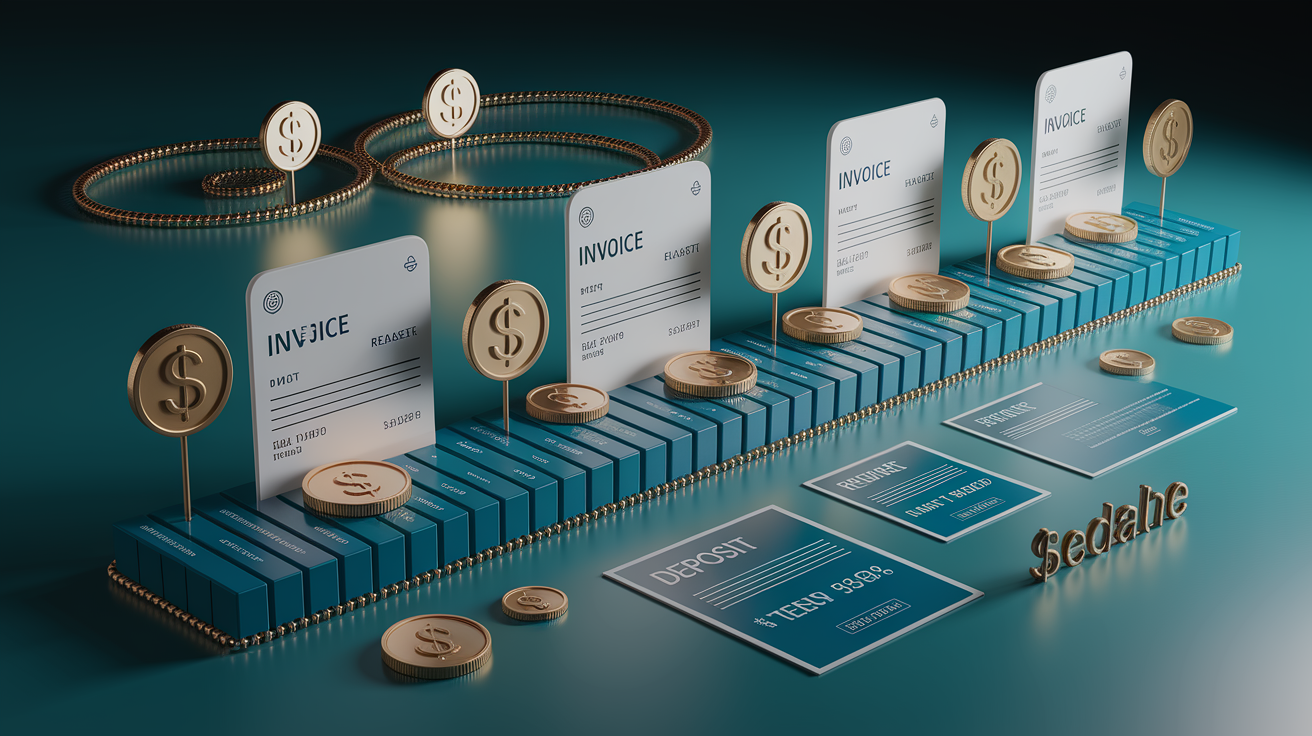
Progress billing splits a large project into installments tied to milestones or time periods. Instead of waiting until the job is done to invoice the full amount, you bill after each completed phase. A six-month consulting engagement might break into six monthly invoices of equal amounts, or into milestone invoices tied to deliverables: “Month 1 discovery: $8,000 | Month 3 strategy deck delivered: $12,000 | Month 6 implementation complete: $15,000.” Keeps cash flowing and reduces the risk of nonpayment on a massive final invoice.
Retainer invoices charge a recurring fee, often monthly, for ongoing availability or a set number of hours. Example: “$3,000/month retainer includes up to 15 hours of consulting, additional hours billed at $250/hr.” The invoice each month shows the retainer as a flat line item, plus any overage. Retainers smooth revenue and give clients predictable budgeting. They work well for marketing agencies, legal advisors, IT support, and fractional executive roles.
Deposits and partial payments happen upfront to secure the engagement or cover initial costs. A contractor might require a 50% deposit before starting work on a $40,000 renovation. The initial invoice reads “Deposit (50% of total project cost): $20,000 | Balance due upon completion: $20,000.” When the project finishes, you send a final invoice for the remaining $20,000, referencing the original deposit invoice number.
| Invoice Type | When It’s Used | Example |
|---|---|---|
| Retainer | Ongoing monthly services or advisory role with set hours | “$4,000/month retainer for 20 hours of strategic consulting” |
| Deposit | Upfront payment before work begins, especially on large projects | “50% deposit: $10,000 due upon contract signing” |
| Progress/Milestone | Invoices tied to project phases or completion gates | “Phase 2 wireframes complete: $6,500” |
| Interim | Periodic billing during long-term projects, not tied to milestones | “January 2025 services: $9,200” |
| Final | Last invoice summarizing the project and collecting remaining balance | “Final invoice, total project: $45,000 | Deposits paid: $30,000 | Balance due: $15,000” |
Handling Expenses, Adjustments, and Credits in Service Invoices
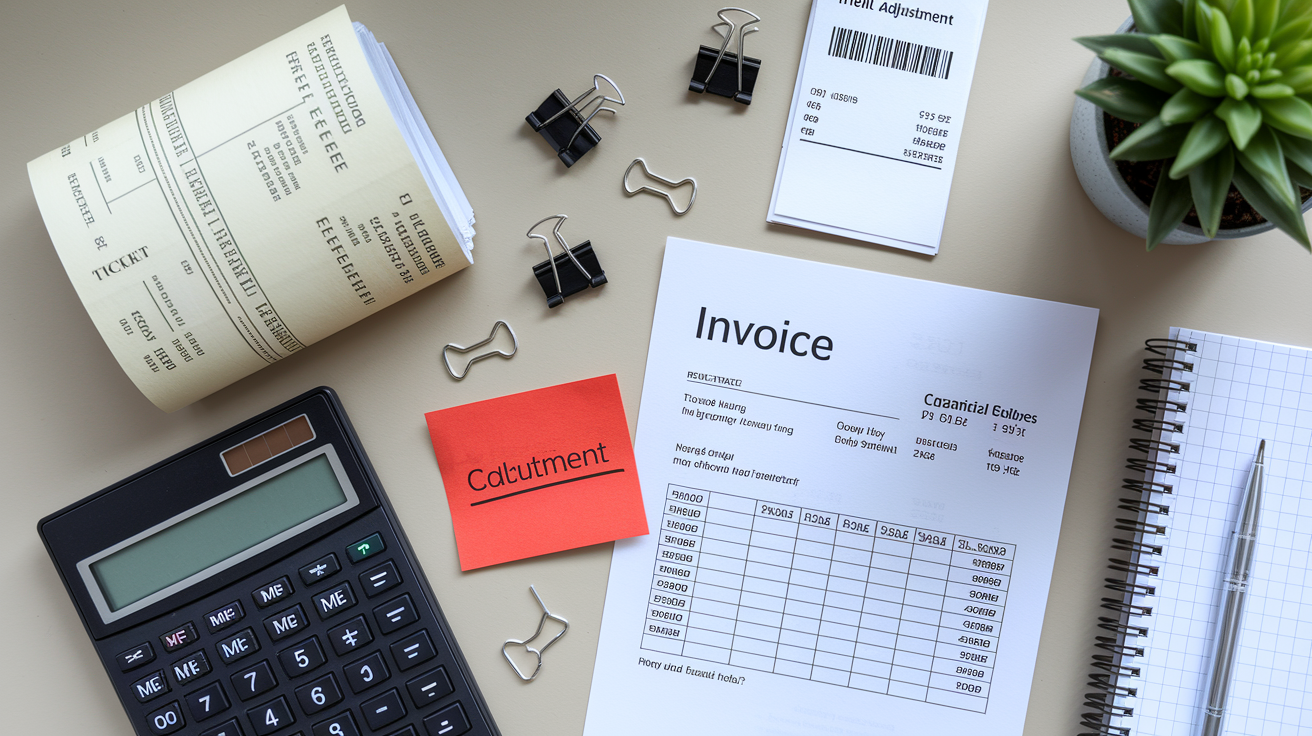
Billable expenses appear as separate line items when you’ve paid for something on the client’s behalf and need reimbursement. Examples include travel, materials, software licenses, or subcontractor fees. Each expense line should include a short description and, ideally, reference an attached receipt: “Airfare to client site (receipt attached): $420 | Hotel, 2 nights (receipt attached): $340.” Clients expect documentation for reimbursable expenses, so keep receipts organized and attach them to the invoice or email.
Adjustments and credits show up when you need to correct an error or issue a partial refund. If you overcharged by $150 on the previous invoice, add a negative line item: “Credit for overbilled hours, Invoice #09062501: –$150.” That keeps the correction visible and tied to the original mistake. Alternatively, issue a standalone credit note with its own number, clearly marked “Credit Note” at the top, showing the original invoice number, the reason for the credit, and the amount being refunded or applied to future invoices.
Invoice Follow-Up, Disputes, and Collections

Unpaid invoices become accounts receivable on your books, which means you’ve recorded the income but haven’t collected the cash yet. Normal for Net 30 or Net 60 terms, but when invoices go past due, you need a follow-up plan. Start with a friendly reminder email at 7 days overdue: “Hi [Client], just checking in on Invoice #09062502 for $3,200, which was due on February 15. Let me know if you need a copy or have any questions.” Most late payments result from oversight, missing PO numbers, or invoices stuck in spam folders.
If the invoice hits 15 or 30 days overdue, turn up the tone slightly and consider a phone call. Reference the original terms and ask directly when payment will arrive. At 45 or 60 days past due, send a formal dunning letter restating the amount, the original due date, any late fees now accrued, and a final deadline before you hand the account to collections or pause work. Keep records of every follow-up, including dates, methods, and any client responses.
Disputes usually trace back to unclear line items, missing documentation, or pricing mismatches between the invoice and the original quote. Prevent disputes by confirming scope and price in writing before starting work, sending progress updates with interim totals, and making sure every invoice references the original agreement or PO number. When a client does question an invoice, respond quickly with supporting docs and a willingness to walk through the charges line by line. Resolving disputes fast keeps the relationship intact and the payment moving.
Choosing Software and Apps for Service Invoicing
Invoicing software automates template creation, client management, payment tracking, and follow-up reminders so you’re not manually building PDFs every billing cycle. Tools like Stripe, PayPal, QuickBooks Online, Wave, Zoho Invoice, FreshBooks, and Xero handle recurring invoices, payment links, mobile access, cloud sync, and Excel exports. Stripe and PayPal let you embed payment links directly in the invoice, so clients click “Pay Now” and complete the transaction without leaving the email. Cuts payment time from weeks to hours.
Integration options expand what invoicing software can do. Example workflows: when a new customer is added in HubSpot, the automation creates a matching customer record in Wave. When you log a new sale in QuickBooks Online, the data syncs to Google Sheets for custom reporting. When Wave generates a new invoice, a Slack message notifies your finance channel so the team knows payment is pending. These automations reduce double-entry, keep records consistent, and free up time for actual billable work.
Mobile apps for Android and iOS let you create, edit, and send invoices from your phone. Changes sync automatically to your desktop account, so you can invoice a client from a job site, a coffee shop, or an airport lounge. Cloud-based storage means your invoices, client data, and payment history are accessible anywhere with WiFi, and you’re protected if your laptop fails. Exporting Excel reports lets you analyze total revenue by customer, by service type, or by month without manually tallying each invoice.
When cash flow is tight between invoice date and payment receipt, consider short-term funding options. A business line of credit can bridge the gap, letting you pay expenses while waiting on Net 30 or Net 60 receivables. For seasonal service businesses or those managing longer billing cycles, working capital financing provides the runway to keep operations running smoothly without the pressure of immediate collections.
Top invoicing software features worth looking for:
- 100+ professional templates with logo upload and industry designs for branding consistency.
- PDF download and email delivery so invoices arrive in a universally readable, printable format.
- Payment links for Stripe, PayPal, and credit cards embedded directly in the invoice for one-click client payments.
- Excel or CSV export of invoice reports to analyze revenue trends, top clients, and best-selling services.
- Mobile app sync across Android and iOS with automatic cloud backup and real-time updates.
Final Words
In the action, you pulled together ready-to-use templates, the must-have fields, a step-by-step billing workflow, types of invoices, tax notes, and follow-up tactics.
Templates come in Word, Excel, and PDF and keep invoice number, dates, client info, itemized hours × rate, taxes, and totals clear. A sample line shows 12 hours × $75 = $900. That clarity cuts disputes and speeds payment.
Use these tools and the workflow to write a clean invoice for services and avoid delays. You’ll be set to bill confidently and get paid sooner.
FAQ
Q: How do I create an invoice for my services?
A: To create an invoice for your services, use a template with your business and client details, a unique invoice number, billing period, itemized services (hours × rate), taxes, subtotal, total, and due date.
Q: What is an invoice for services, and what does an invoice for services look like?
A: An invoice for services is a billing document that names provider and client, lists itemized services with hours/quantity, rate, subtotals, tax, invoice number, issue date, billing period, and a clear due date.
Q: What are the three types of invoices?
A: The three types of invoices are hourly (records billable hours), flat-fee or project (one fixed charge), and itemized (breaks work into multiple line items or phases), chosen to match your pricing and cash flow.