

Think manual accounts payable (AP) is harmless?
Think again.
Invoice automation can cut processing costs by up to 80% and stop invoices from getting lost.
It uses software to capture invoices, pull the numbers, match them to purchase orders, route approvals, and post to your ledger without retyping.
That means faster approvals, fewer errors, and big savings on labor.
This post shows how invoice automation works, which features move the needle, and how to roll it out so your team spends time on strategy, not data entry.
Understanding Invoice Automation
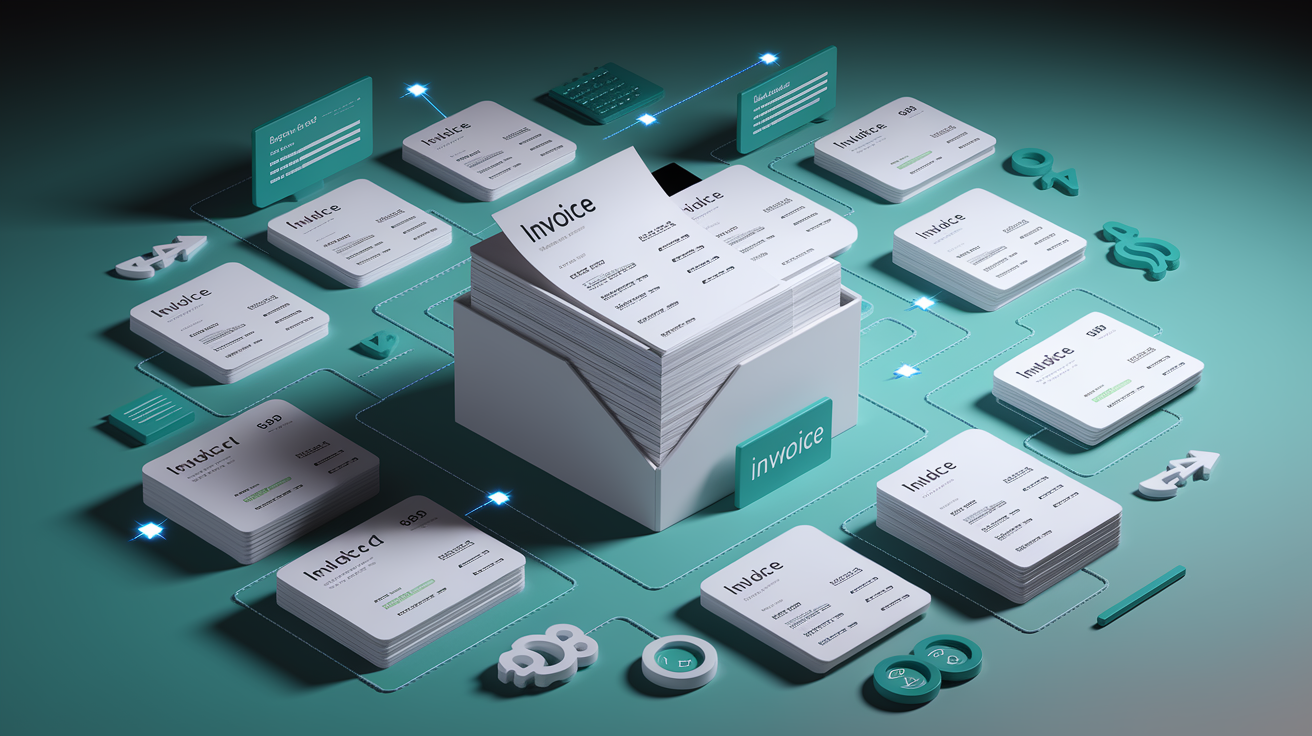
Invoice automation uses software to capture, validate, and process invoices without manual data entry. Instead of someone opening an email, typing numbers into a spreadsheet, and chasing down an approver, the system reads the invoice, checks the details, routes it to the right person, and posts it to the ledger. All on its own.
The core pieces are invoice capture (the system grabs PDFs, emails, or scans), data extraction (OCR and AI pull vendor name, invoice number, line items, and amounts), matching (the system compares the invoice to purchase orders or receiving records), approval routing (invoices follow pre-set rules and go to the right manager), and posting (approved invoices sync directly into your ERP or accounting software, ready for payment). That chain turns a stack of paper or a cluttered inbox into a clean, audit-ready record with almost no human touch.
It reduces errors because the system doesn’t mistype a decimal or skip a line. It accelerates approval workflows because routing happens instantly, not when someone remembers to forward an email. Payment cycles shorten because invoices don’t sit in a pile waiting for someone to notice them. For businesses handling hundreds or thousands of invoices every month, automation turns a labor-heavy process into a lean, predictable one.
Why Manual Invoice Processing Creates Bottlenecks
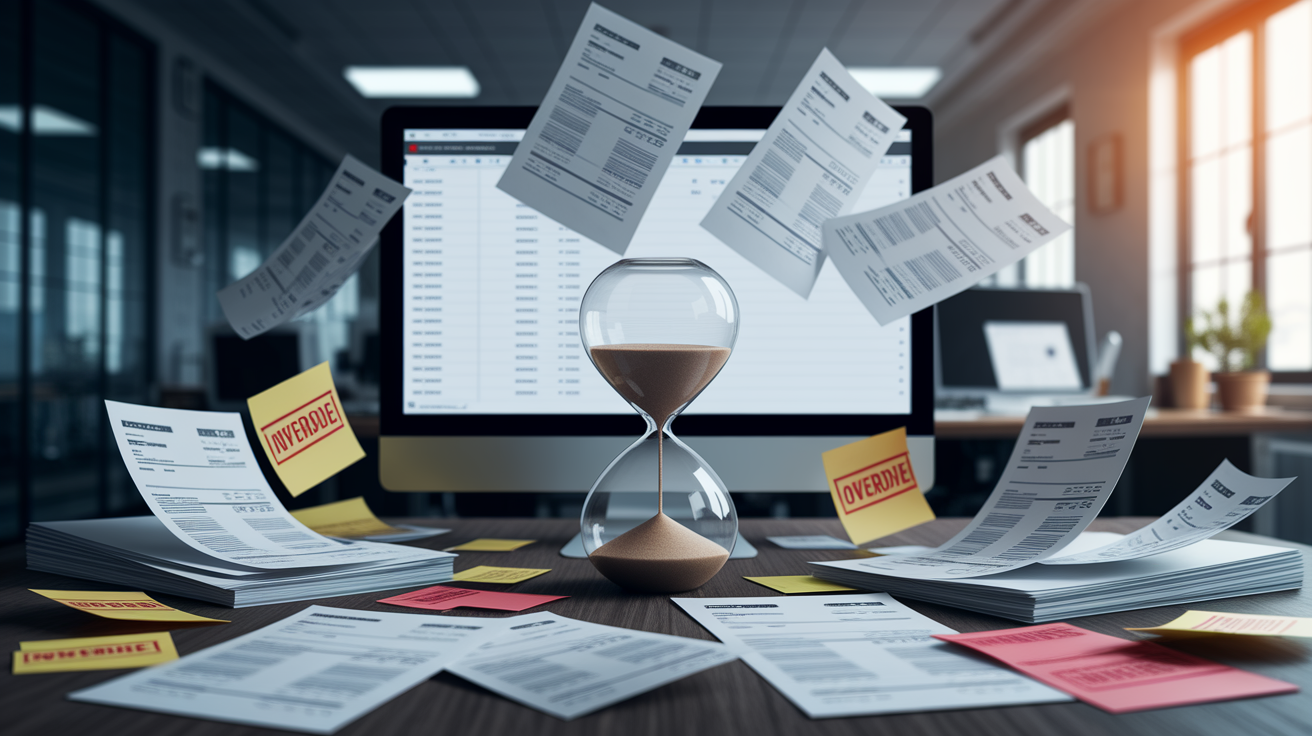
Manual workflows create slow approvals, lost invoices, duplicate payments, and high labor costs. When invoices arrive by email, fax, or mail, someone has to open each one, read it, enter the details, figure out who should approve it, and then enter it again into the accounting system. That’s multiple touches per invoice. Every touch is a chance for delay or error.
Human data entry introduces risk. Typos happen. Decimal points get missed. Line items get skipped. Invoices get filed in the wrong folder or forwarded to the wrong person. Disconnected systems slow reconciliation because the data in the purchasing system doesn’t match the data in the AP system, and no one knows which version is right until someone manually compares them at month close.
Typical pain points in manual AP:
- Lost or mislaid invoices that vendors call about weeks later
- Duplicate payments when the same invoice arrives twice through different channels
- Late payment penalties because approvals took too long
- Missed early payment discounts because invoices sat unnoticed
- High cost per invoice from repetitive data entry and approval chasing
- Reconciliation variances at period close when amounts don’t tie back to POs or receipts
Key Features of Modern Invoice Automation Systems
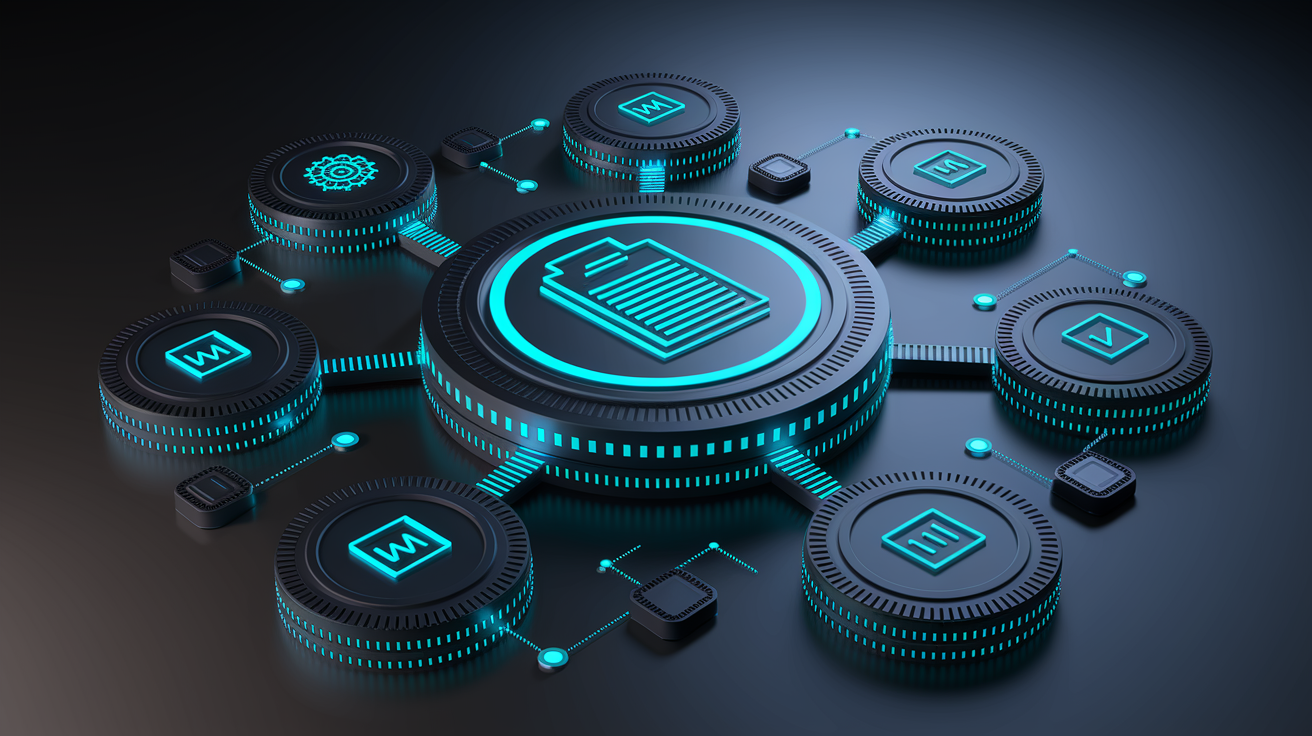
Leading invoice automation systems share a set of core features that handle the entire lifecycle, from the moment an invoice arrives to the moment it posts in your books.
OCR and AI-based data extraction read invoices no matter the format. The system pulls vendor name, invoice number, date, PO number, line items, account codes, and totals from PDFs, scanned images, or even photos. Template-free extraction means the software adapts to different layouts without manual setup, and it learns from corrections over time.
Automated matching and validation compare invoice data to purchase orders and receiving records. Two-way matching checks the invoice against the PO. Three-way matching adds goods receipt or delivery confirmation. If the numbers align within your tolerance thresholds, the invoice moves forward automatically. If they don’t, the system flags the exception and routes it to a reviewer.
Approval workflow automation uses rules you configure. Invoices under a certain amount can auto-approve. Invoices over a threshold go to a manager. Invoices for specific cost centers route to department heads. The system tracks who approved what and when, and escalates if someone doesn’t respond within your set timeframe.
Fraud detection and duplicate invoice checks scan for red flags. The system spots duplicate invoice numbers, mismatched vendor details, price discrepancies outside normal ranges, and invoices that don’t tie to any purchase order. That layer catches unauthorized purchases and prevents double payments.
Compliance rules and audit trails create an immutable record. Every extraction result, validation outcome, approval action, and manual override gets logged with a timestamp and user identity. Auditors can pull a complete history for any invoice without asking finance to build a custom report.
ERP and accounting integrations sync approved invoices directly into your ledger. Native connections to NetSuite, QuickBooks, Xero, Sage Intacct, or Microsoft Dynamics 365 mean the system posts the full transaction, attaches the invoice image, and updates vendor balances without re-entry. That eliminates reconciliation work and keeps your books current in real time.
Together, these features turn a multi-step, multi-person process into a streamlined workflow where most invoices flow through untouched and exceptions get surfaced immediately for the people who can fix them.
Benefits of Implementing Invoice Automation

Automation lowers processing costs, accelerates payments, increases accuracy, improves visibility, strengthens internal controls, and boosts vendor satisfaction. Those aren’t vague promises. They’re measurable changes that show up in your monthly reports and your team’s workload.
Seven concrete improvements:
- Reduced processing cost. Manual processing typically costs $15 to $40 per invoice. Automation brings that down to $2 to $5 per invoice, an 80% drop.
- Fewer errors. OCR and AI eliminate typos, transposed digits, and missed line items that cause payment disputes and reconciliation headaches.
- Higher productivity. Your AP team stops opening PDFs and chasing approvers, and shifts to reviewing exceptions and managing vendor relationships.
- Lower labor cost. Existing staff can handle roughly 10 times the invoice volume without adding headcount, which matters when the business grows or acquires new entities.
- Real-time visibility. Managers see invoice status, approval bottlenecks, and cash commitments without waiting for a monthly report.
- Stronger compliance and fraud prevention. Automated duplicate checks, three-way matching, and audit trails reduce the risk of unauthorized purchases, double payments, and missing documentation.
- Better vendor relations. Faster approvals and on-time payments mean fewer disputes, stronger discounts, and smoother negotiations.
When you eliminate the repetitive work, the time and money saved free your finance team to focus on forward-looking analysis instead of data entry and fire drills.
Steps for Implementing Invoice Automation Successfully
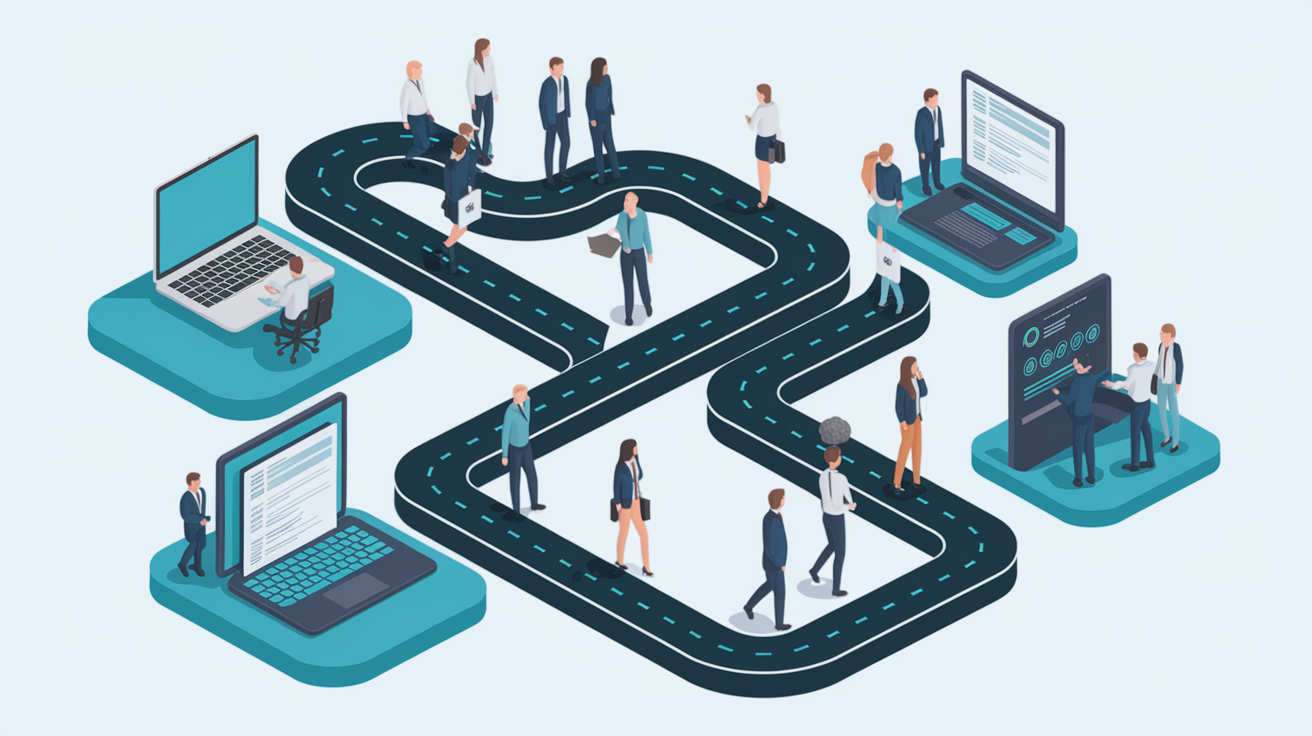
Successful adoption involves mapping current processes, selecting software, configuring workflows, training staff, migrating data, and monitoring KPIs. It’s not a flip-the-switch change. It’s a structured rollout that starts small and scales as you prove the value.
Map your current AP workflow first. Document how invoices arrive, who touches them, how long each step takes, and where exceptions or delays happen. That baseline shows you where automation will deliver the biggest lift.
Implementation roadmap:
- Identify pain points. High invoice volume, frequent errors, slow approvals, missed discounts, or reconciliation bottlenecks.
- Select software. Evaluate OCR accuracy, workflow flexibility, native ERP integrations, exception handling, and vendor support.
- Start with a pilot. Choose a high-volume supplier set or a single invoice type to test extraction, matching, and approval rules.
- Configure workflows. Set approval thresholds, routing rules, tolerance levels for matching, and escalation paths.
- Integrate with your ERP. Connect the AP platform to your accounting system and validate end-to-end posting with real invoices.
- Train your team. Show AP staff how to review exceptions, correct extraction errors, and monitor dashboards. Train approvers on mobile and desktop workflows.
- Onboard vendors. Communicate the new invoice submission process, provide a dedicated email address or portal, and clarify accepted file formats.
- Monitor and iterate. Track cost per invoice, exception rate, processing time, and touchless rate. Adjust rules and thresholds based on real results.
Change management matters. People resist new systems when they don’t understand the benefit or fear job loss. Frame automation as a shift from repetitive work to higher-value work, involve your team in workflow design, and celebrate early wins like faster month close or captured early payment discounts.
Integrating Invoice Automation With Existing Systems
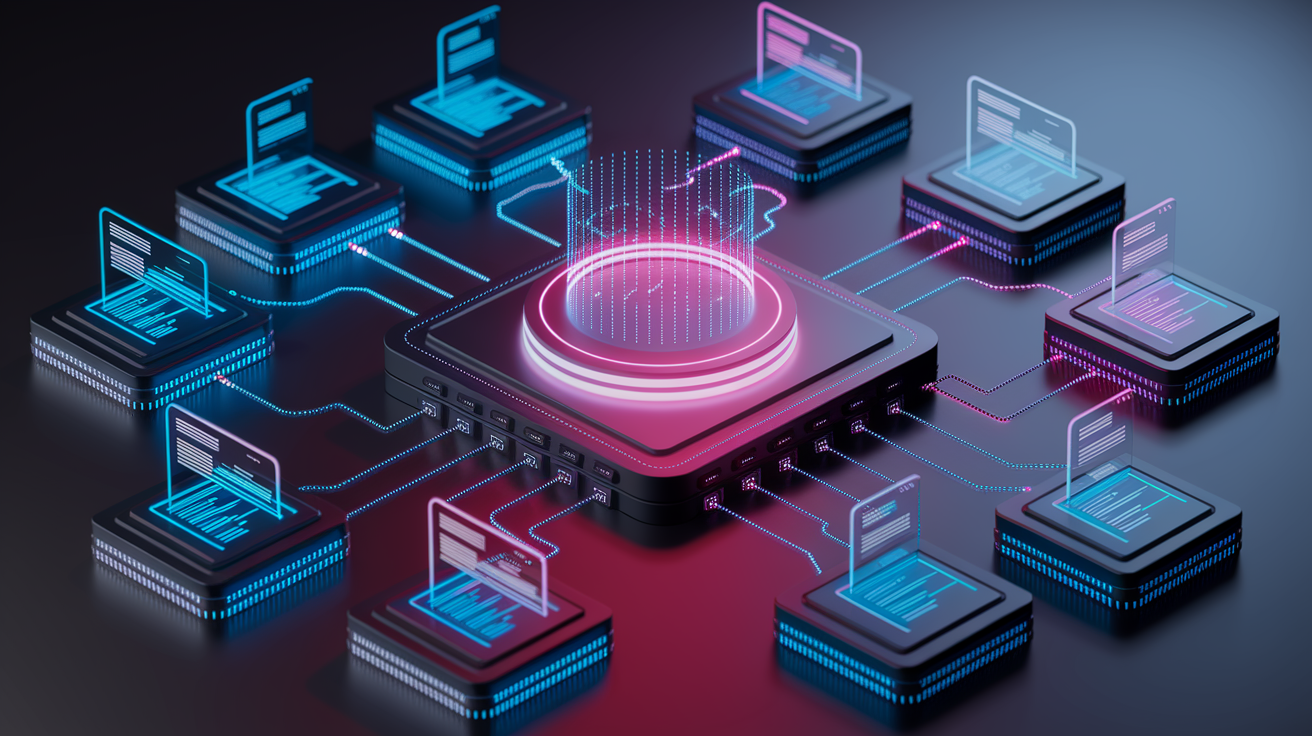
Integrations with ERP platforms, accounting tools, procurement systems, and payment networks improve data accuracy and workflow continuity. When your AP software connects natively to your ledger, purchase order system, and payment rail, data flows automatically and stays consistent across every system.
API-based connections streamline syncing. Native integrations maintained by the AP vendor are more reliable than third-party connectors because the vendor owns the update cycle and can push fixes when your ERP releases a new version. That reduces breakage and support tickets.
Common integrations:
- ERP systems (NetSuite, Microsoft Dynamics 365, SAP) for posting approved invoices and updating vendor balances
- Accounting software (QuickBooks, Xero, Sage Intacct) for multi-currency sync and real-time bookkeeping
- Procurement platforms to pull purchase order data and account codes before the invoice arrives
- Payment networks (ACH, wire, virtual card) to schedule and execute payments directly from the AP workflow
- Document management systems to archive invoice images and supporting documents with full audit trails
Choose platforms that support the systems you already use and confirm that the integrations are native, not bolt-on. Ask how updates are handled and whether your IT team will need to maintain middleware or custom scripts.
Best Practices for Maintaining an Automated Invoice Workflow

Continuous review of approval rules, vendor data accuracy, system audits, and user training ensure ongoing efficiency. Automation isn’t set-and-forget. Markets change, vendors change, your business changes, and your workflows need to keep up.
Six practices to keep your system lean:
- Review approval rules quarterly. Adjust thresholds, routing logic, and escalation paths as your org chart or spending patterns shift.
- Audit vendor master data. Clean up duplicate records, retired vendors, and incorrect payment details to prevent routing errors and failed payments.
- Monitor exception rates. Track which invoice types or vendors trigger the most manual reviews, then refine extraction templates or matching tolerances.
- Run periodic system audits. Confirm that approval histories, duplicate checks, and fraud rules are working as configured and that logs are complete for compliance.
- Train new hires. As staff turn over, make sure new AP clerks and approvers understand how to use the system and where to escalate issues.
- Capture feedback from users. Ask your team what’s still clunky or slow, and work with your vendor to optimize workflows or add integrations.
Treat your AP automation platform like any critical business system. Schedule regular health checks, measure the KPIs that matter, and keep improving.
When Businesses Should Seek Additional Support

Organizations may need help when facing system errors, integration failures, scaling problems, or compliance updates. Vendors and consultants can support advanced customizations, complex multi-entity rollouts, and regulatory changes that require workflow updates.
If your OCR accuracy drops, exceptions spike, or integrations break after an ERP upgrade, that’s a signal to loop in your vendor’s support team or a third-party specialist. If you’re scaling from one entity to ten, or from one country to multiple currencies and tax regimes, expert help accelerates deployment and reduces risk.
Four situations where additional support makes sense:
- System errors or integration failures that your internal IT team can’t resolve quickly
- Complex multi-entity or multi-currency deployments that require custom workflows and consolidated reporting
- Compliance or regulatory updates (e-invoicing mandates, tax rule changes) that demand workflow reconfiguration
- Advanced customizations like integrating with niche procurement systems or building custom fraud detection rules
Final Words
Cut the paper chase: invoice automation captures invoices, extracts data with OCR and AI, matches and routes them, speeds approvals, and posts payments.
We covered why manual processing creates bottlenecks, the core features to look for, clear business benefits, steps to implement, integration points, maintenance best practices, and when to call for extra support.
If you want faster cash cycles and fewer mistakes, invoice automation is the lever. Start by mapping your current process, pick tools that fit your systems, and track the results. It’s practical and worth doing.
FAQ
Q: What is invoice automation?
A: Invoice automation is software that captures, validates, and processes invoices without manual data entry, using OCR and AI to reduce errors, speed approvals, and shorten payment cycles for your business.
Q: How does invoice automation work?
A: Invoice automation works by capturing invoices, extracting data with OCR/AI, matching line items to orders, routing approvals automatically, and posting transactions to your accounting system for payment processing.
Q: What problems does invoice automation solve?
A: Invoice automation solves slow approvals, lost invoices, duplicate payments, high labor costs, human data-entry errors, and disconnected systems that slow reconciliation and cash visibility.
Q: What key features should I look for in an invoice automation system?
A: Key features include OCR/AI extraction, workflow automation, 3-way matching, duplicate invoice checks, fraud detection, compliance rules, and easy ERP/accounting integrations.
Q: How much time and cost can invoice automation save?
A: Invoice automation can cut processing time and labor costs, lower error rates, and shorten payment cycles, improving cash visibility and vendor satisfaction—exact savings depend on invoice volume and current processes.
Q: What are the main steps to implement invoice automation successfully?
A: Successful implementation starts with mapping current workflows, choosing software, configuring approvals, migrating data, training staff, setting KPIs, and monitoring performance for continuous improvement.
Q: Which systems should invoice automation integrate with?
A: Invoice automation should integrate with ERPs, accounting software, procurement platforms, payment networks, and banking systems to keep data synced and workflows continuous across finance functions.
Q: What are best practices for maintaining an automated invoice workflow?
A: Best practices include regularly reviewing approval rules, keeping vendor data accurate, running system audits, training users, tracking KPIs, and updating rules as your business changes.
Q: When should my business seek outside support for invoice automation?
A: Seek outside support when you face persistent system errors, integration failures, scaling challenges, complex customizations, or compliance updates that internal teams can’t resolve quickly.