


Think you can apply for an SBA 7(a) loan straight on the SBA site? Think again.
You apply through an SBA-approved lender’s online portal, and getting it right matters.
This guide walks you through each step, choosing a lender, creating a portal account, gathering the exact forms and financials, completing SBA Form 1919 and owner disclosures, and answering follow-up requests fast.
By the end you’ll know what speeds approval, what costs to expect, and how to submit an online application that actually moves you toward funding.
Step-by-Step Guide to Applying for an SBA 7(a) Loan Online
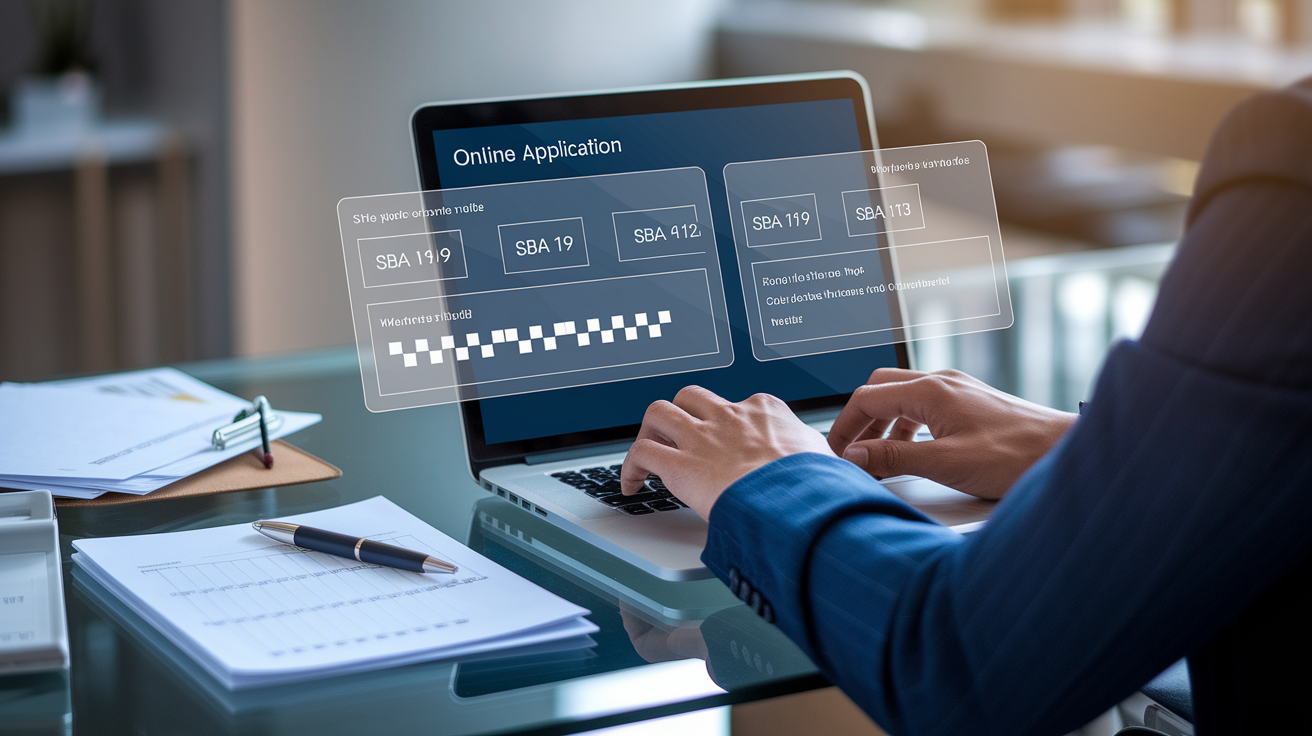
The SBA 7(a) loan program is the government’s most flexible small business funding option, but here’s the thing: you can’t apply directly through the SBA website. You submit everything through an SBA approved lender’s online portal. That lender reviews your paperwork, runs underwriting, and if you meet their criteria, sends your file to the SBA for final guarantee approval.
Most lenders now offer some level of digital application. National banks typically provide full service portals where you create an account, upload documents, and track status. Community banks and credit unions may use a hybrid process, part online submission, part phone or in-person follow up. SBA Express and Preferred Lenders can often approve your loan without waiting for SBA review, which cuts weeks off the timeline.
The core online application involves completing SBA Form 1919 (the borrower information form), uploading tax returns and financial statements, providing ownership details and personal financial statements on SBA Forms 912 and 413, and answering questions about collateral and use of funds. Each lender’s portal will prompt you for these items, but the underlying SBA documentation requirements stay consistent.
Once you hit submit, the lender’s underwriting team reviews your credit, cash flow, and collateral. If they approve, they package your file and send it to the SBA for a guarantee decision, unless they’re an SBA Express or Preferred Lender with delegated authority. After SBA approval (or lender only approval in expedited cases), you’ll sign closing documents electronically or in person, then receive funds according to the agreed disbursement schedule.
Complete Online Application Sequence:
-
Select an SBA approved lender. Start with banks you already use, or search lender directories for institutions experienced in 7(a) loans. Prioritize SBA Express or Preferred Lenders if speed matters.
-
Create a portal account. Register on the lender’s online application platform using your business email and EIN. Some lenders require a brief prequalification questionnaire before granting full portal access.
-
Gather and digitize all required documents. Prepare SBA Forms 1919, 912, and 413. Scan 2 to 3 years of personal and business tax returns, current profit and loss statements, balance sheets, 12 month cash flow projections, business licenses, leases, and ownership documents.
-
Complete the online application. Answer questions about loan amount, purpose, collateral, business history, and ownership structure. Upload all documents in the formats specified by the portal (usually PDF).
-
Provide personal guarantees and ownership disclosures. Every owner with 20 percent or more equity must submit a personal financial statement and agree to guarantee the loan. Enter Social Security numbers and consent to credit checks as prompted.
-
Submit the application. Review all entries for accuracy, then click submit. Most portals send an email confirmation with a tracking number and next steps.
-
Respond promptly to lender follow up. Monitor your portal dashboard and email for requests for additional documents, clarifications, or updated financials. Faster responses generally mean faster approvals and shorter waits for funding.
Eligibility Requirements for SBA 7(a) Loans
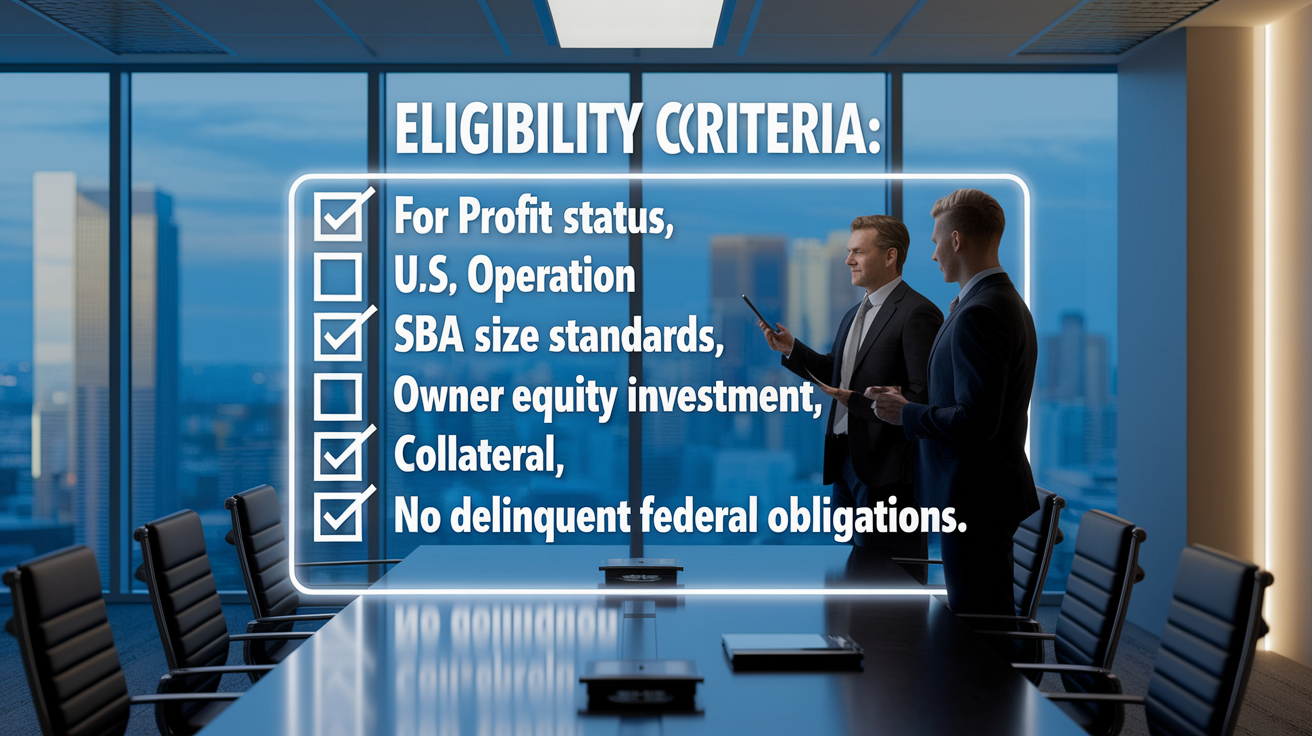
The SBA sets baseline rules, but each lender adds its own credit and revenue thresholds on top. At the federal level, your business must be for profit, operate legally in the United States, and fall within SBA size standards. That typically means fewer than 500 employees or average annual receipts below industry specific caps. You also need to demonstrate that you’ve tried to get financing elsewhere before turning to the government backed program.
Lenders commonly want a personal credit score of at least 650, two or more years in business, and annual revenue around $100,000 or higher. If your loan exceeds $50,000, expect to pledge collateral: equipment, inventory, or real estate. Any owner holding 20 percent or more of the company must sign a personal guarantee, putting personal assets at risk if the business defaults.
Certain businesses are automatically excluded. Nonprofits, passive real estate holding companies, lending or investment firms, and speculative ventures don’t qualify. If you’re delinquent on any existing government loan or owe back taxes, you’ll need to resolve those before applying.
Standard SBA 7(a) Eligibility Factors:
- For profit status. Must operate as a legal for profit entity (LLC, corporation, partnership, or sole proprietorship).
- U.S. operation and ownership. Business must be located in the U.S. and 100 percent owned by U.S. citizens or nationals.
- Size standards. Must meet SBA definitions by employee count or average annual receipts for your industry.
- Owner equity investment. Owners must have invested personal funds or sweat equity. Purely debt financed businesses may not qualify.
- Use of other financing. Applicants should exhaust reasonable private financing options before seeking SBA backing.
- No government loan delinquencies. Cannot be in default on any federal loan or owe delinquent federal taxes.
Required Documents and Financial Information
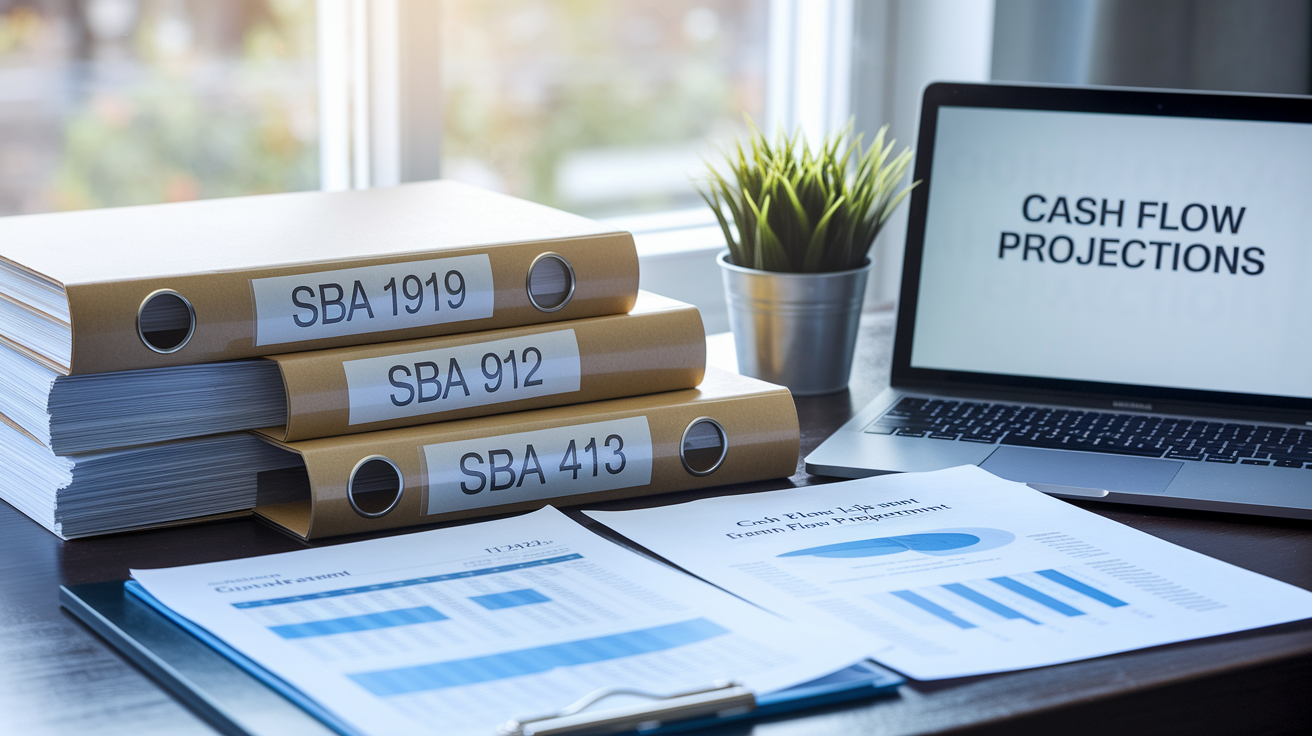
The SBA and your lender will ask for a standard package of forms and financials, regardless of whether you apply online or offline. Start with SBA Form 1919, the main borrower information sheet that captures loan amount, purpose, and basic business details. You’ll also complete Form 912 (personal background and criminal history disclosure) and Form 413 (personal financial statement) for every owner with 20 percent or greater stake.
On the financial side, plan to upload two to three years of business and personal income tax returns, a current balance sheet, and a profit and loss statement. If you’re a startup or your business is less than two years old, provide detailed 12 month cash flow projections instead of historical statements. Lenders want to see how you’ll generate enough cash to cover monthly loan payments plus operating expenses.
Beyond forms and financials, gather your business license or registration certificate, articles of incorporation or operating agreement, commercial lease (if you rent space), resumes for all principal owners, and a brief business overview or plan. If the loan requires collateral, include titles or deeds for equipment, real estate, or other pledged assets. Organized, clearly labeled files speed up underwriting and reduce back and forth requests.
Common Documents for Online Submission:
- SBA Form 1919. Borrower Information Form with loan details and business structure.
- SBA Form 912. Personal background statement for each 20%+ owner.
- SBA Form 413. Personal financial statement showing assets, liabilities, and net worth.
- Tax returns. Two to three years of business and personal income tax returns (all schedules).
- Profit and loss statement. Current year to date P&L and prior year statements if available.
- Balance sheet. Snapshot of assets, liabilities, and equity as of the most recent month end.
- Cash flow projections. Forward looking 12 month forecast showing expected revenue, expenses, and loan repayment capacity.
- Legal and operational documents. Business license, registration certificate, articles of incorporation, commercial lease, key contracts, and owner resumes.
Navigating Lender Online Portals
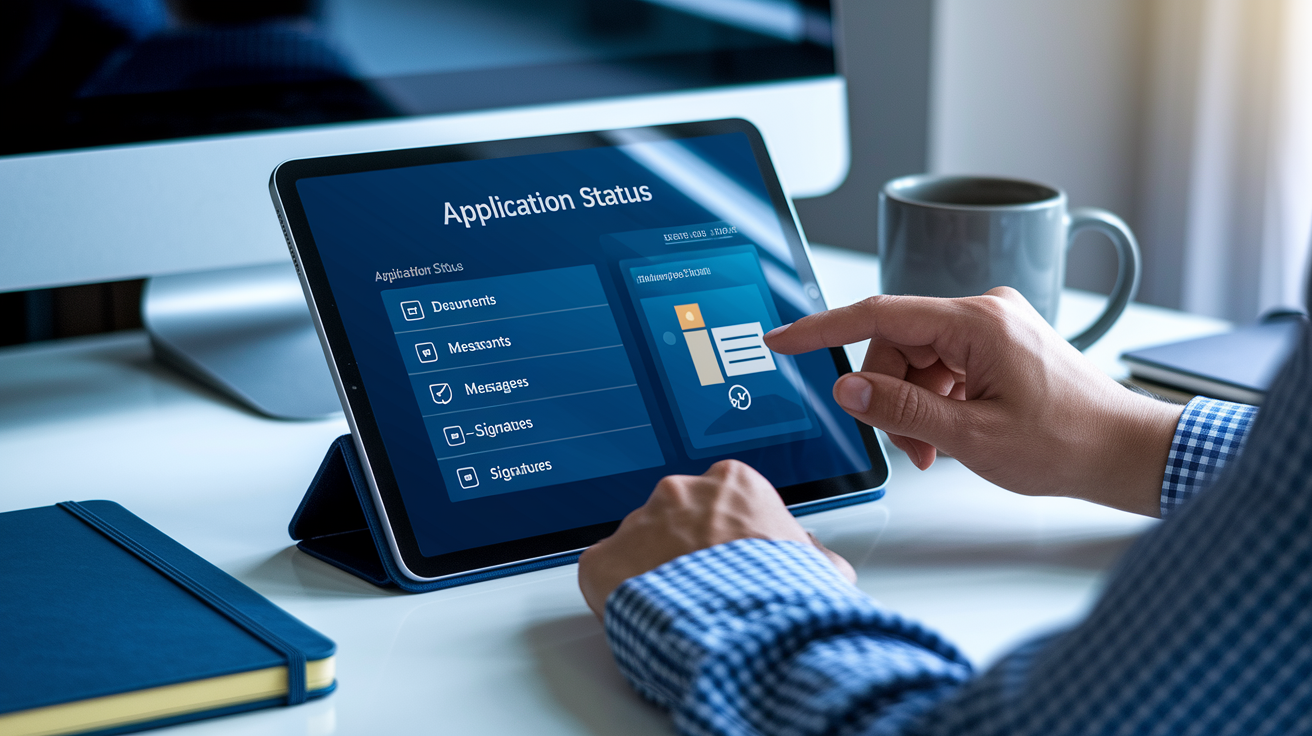
Every SBA approved lender builds its own digital application system, so the look and workflow vary. Large national banks usually offer polished portals with guided wizards, document upload drag and drop zones, and real time application status dashboards. Regional and community banks may use simpler platforms or third party loan origination software that feels less consumer friendly but still gets the job done.
When you first log in, you’ll create a profile tied to your business EIN and primary contact email. The portal will walk you through sections (business information, ownership details, financial uploads, collateral descriptions) and flag incomplete fields before you can submit. Most systems let you save a draft and return later, which helps when you’re waiting on a tax return or updated financial statement from your accountant.
After submission, you’ll typically get a confirmation email and a tracking number. Use the portal’s messaging tool to communicate with your assigned loan officer. Some lenders integrate electronic signature services so you can sign disclosures, personal guarantees, and closing documents without printing or mailing paper. Keep your login credentials safe and check the dashboard at least every few days for status updates or document requests.
Typical Portal Features:
- Application wizard. Step by step forms that auto save progress and highlight missing information before final submission.
- Document upload manager. Drag and drop or browse and upload interface with file type and size limits (usually PDF, up to 10 MB per file).
- Status dashboard. Real time view of application stage (received, under review, submitted to SBA, approved, closing scheduled).
- Secure messaging. In portal chat or email thread with your loan officer for questions, clarifications, and additional document requests.
SBA 7(a) Loan Processing Timeline and Approval Stages
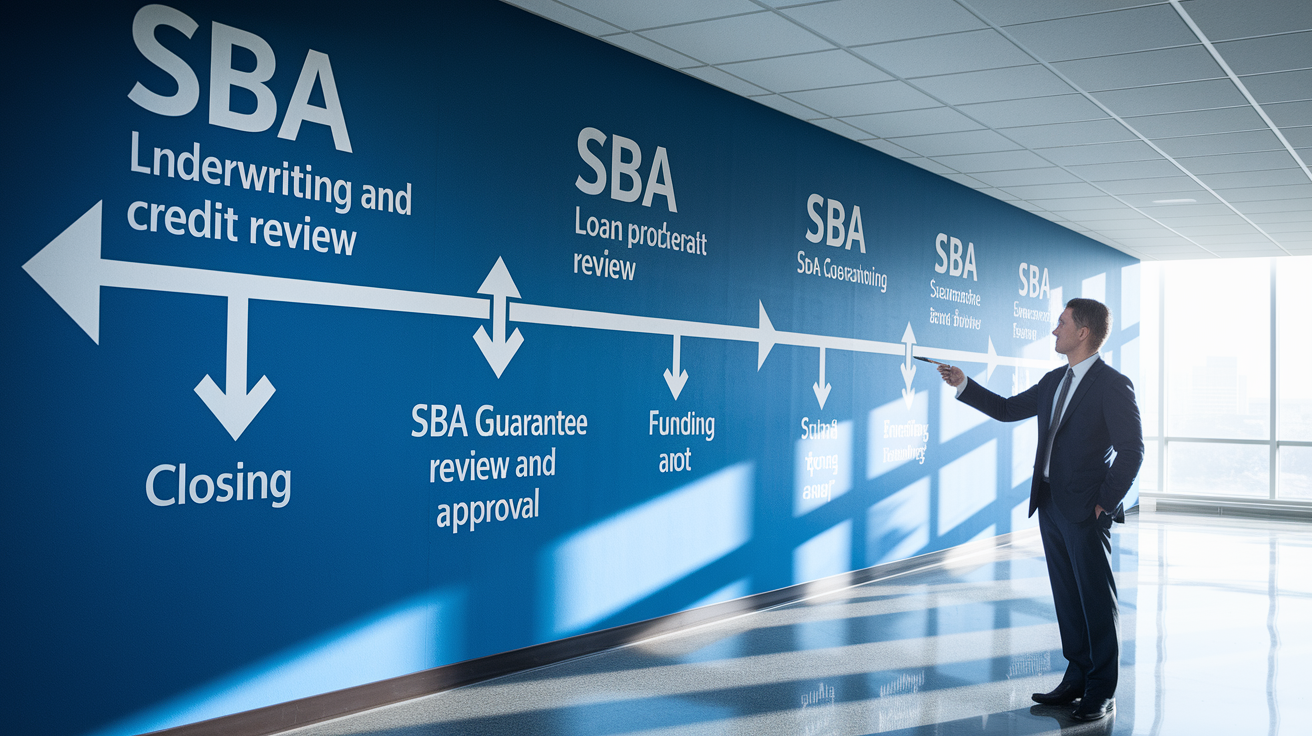
After you submit your online application, the lender’s underwriting team pulls your credit reports, reviews your financials, and verifies collateral values. This internal review can take anywhere from a few days to two weeks, depending on loan complexity and the lender’s workload. If the lender approves your file, they package it and send it to the SBA’s loan guarantee processing center, unless they’re an SBA Express or Preferred Lender with authority to approve without SBA sign off.
The SBA’s review focuses on eligibility and program compliance, not credit quality. The lender already decided you’re creditworthy. SBA staff check that your business meets size standards, that the loan purpose fits program rules, and that all required forms are complete. This stage typically adds another one to three weeks. If the SBA requests additional documentation or clarification, expect delays.
Once you receive SBA approval (or lender only approval in expedited cases), you move to closing. The lender prepares loan documents: promissory note, security agreements, personal guarantee forms. They schedule a signing appointment, often handled electronically through the portal. After signing, funds are disbursed according to the loan agreement, either in a lump sum or in tranches tied to specific milestones like equipment purchase or construction phases.
| Stage | Typical Duration |
|---|---|
| Lender underwriting and credit review | 3–10 business days |
| SBA guarantee review and approval | 7–21 business days |
| Closing document preparation and signing | 3–7 business days |
| Funding and disbursement | 1–3 business days after signing |
Common Online Application Mistakes and How to Avoid Them
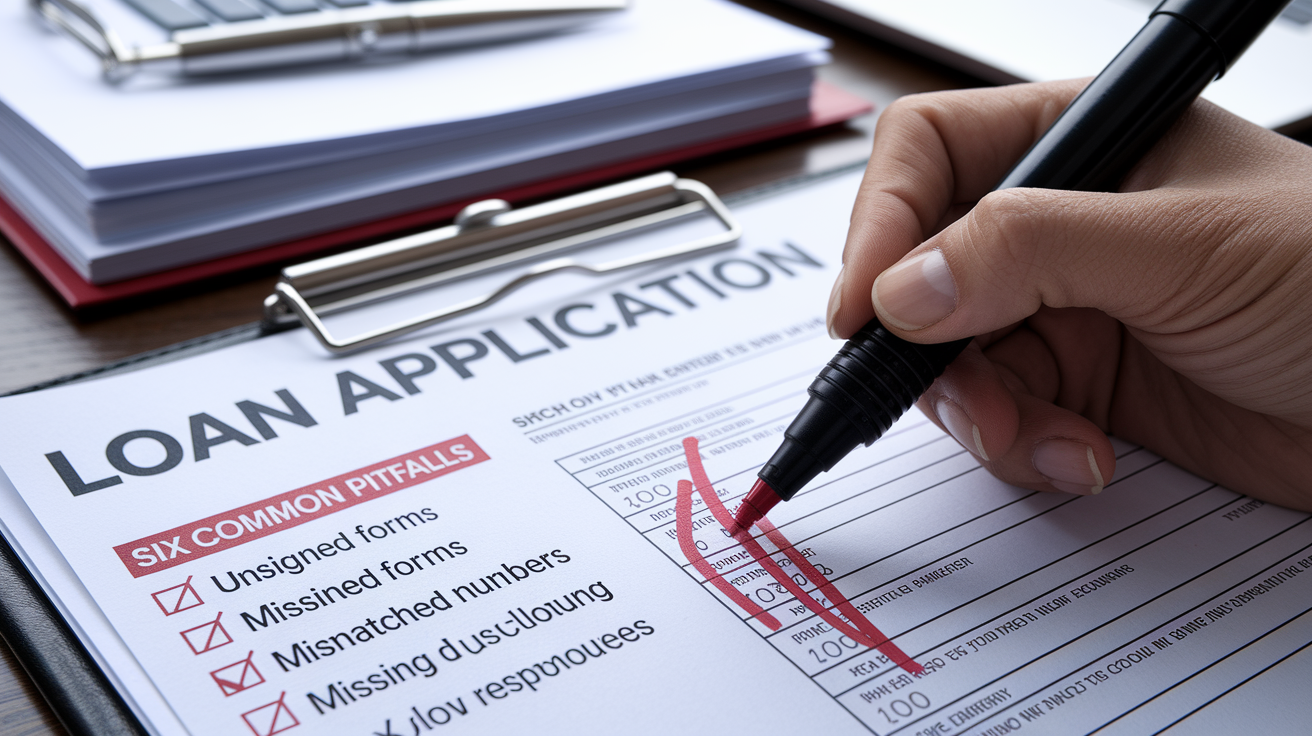
One of the most frequent errors is submitting incomplete or inconsistent financial documents. If your uploaded tax return shows $250,000 in revenue but your profit and loss statement lists $300,000, underwriters will stop and ask for an explanation. Make sure all numbers tie together and that you include every schedule, especially Schedule C for sole proprietors or K-1s for partnerships.
Another pitfall is failing to disclose all owners with 20 percent or greater equity. The SBA requires a personal financial statement and personal guarantee from each of these individuals. If you leave someone out, the lender will catch it during review and request the missing forms, adding days or weeks to your timeline. Double check your ownership structure and list everyone accurately.
Applicants also underestimate collateral requirements. Loans over $50,000 almost always need some form of security: equipment, inventory, receivables, or real estate. If you claim “no collateral available” without explaining why, lenders may assume you haven’t thought it through. List what you have, even if it’s not enough to cover the full loan amount. Strong cash flow can sometimes make up the gap, but you need to make that case explicitly in your application narrative.
Six Common Pitfalls and Fixes:
- Uploading unsigned or incomplete SBA forms. Sign every form, fill every required field, and double check that scanned copies are legible before uploading.
- Mismatched revenue figures across documents. Reconcile your tax returns, P&L, and loan application so all revenue and expense numbers align. Explain any discrepancies in a cover note.
- Missing ownership disclosures. List every person or entity owning 20 percent or more, and submit SBA Forms 912 and 413 for each. Omissions trigger automatic follow up requests.
- Vague or unrealistic cash flow projections. Base your 12 month forecast on historical trends and verifiable assumptions. Avoid round numbers and overly optimistic growth rates.
- Ignoring collateral requirements. Inventory all business assets (equipment, vehicles, inventory, receivables) and be prepared to pledge them. If assets are limited, highlight strong cash flow and explain your repayment plan.
- Slow responses to lender requests. Set email alerts for your portal account and respond to document requests within 24 to 48 hours. Delays compound quickly and can push your approval out by weeks.
Final Words
In the action, you followed a step-by-step path: pick an SBA-approved lender, prequalify, upload tax returns and Form 1919, and submit through their online portal.
We covered who qualifies, the exact documents to gather, how lender portals work, timelines, and common mistakes that slow approval. The aim was to make each step practical so you don’t hit surprises.
When you’re ready, use the checklist to figure out how to apply for sba 7a loan online — with realistic timelines, true costs, and what lenders will ask. You can get this done.
FAQ
Q: How hard is it to get an SBA 7a loan?
A: Getting an SBA 7(a) loan is moderately challenging: you generally need solid personal credit, two-plus years in business, steady revenue, collateral or owner equity, and complete financials; lender and SBA reviews often take weeks.
Q: How to apply for a 7a business loan?
A: To apply for a 7(a) business loan, start with an SBA-approved lender: prequalify online, gather tax returns and Form 1919, upload financial documents, complete the lender’s application, and await underwriting and SBA review.
Q: How much do you need to put down for an SBA 7a loan?
A: Down payment for an SBA 7(a) loan typically depends on the use: many purchases require a 10–20% owner injection, while working capital or refinancing may need little to no down payment, depending on the lender.
Q: What credit score is needed for an SBA 7a loan?
A: The credit score needed for an SBA 7(a) loan generally is 680 or higher for easiest approval; scores 640–679 can qualify with strong revenue, collateral, or cash injection; under 620 is difficult but not impossible.