

If your AP team still types invoices by hand, you’re burning cash and time.
What if most invoices flowed straight through without a single keystroke?
Invoice processing automation captures invoices from mail, email, or vendor portals, reads line items with OCR, matches to purchase orders, routes approvals, and pushes payments into the ERP.
That means fewer duplicate payments, faster approvals, fewer late fees, and clearer cash visibility.
This post shows how automation streamlines AP workflows, cuts operating costs, and frees your team to focus on exceptions and strategy.
Foundational Overview of Invoice Processing

Invoice processing is the AP function that handles receiving, verifying, coding, approving, and preparing vendor invoices for payment. It connects purchase orders, supplier relationships, cash management, and the general ledger. When this works well, businesses pay suppliers on time, capture early payment discounts, and keep accurate financial records. When it doesn’t? Late fees, duplicate payments, missed discounts, strained vendor relationships, and books that don’t close right.
Most AP teams still use manual workflows. Paper invoices, email attachments, spreadsheet tracking, human data entry. Slow, error prone, hard to audit. A single missing PO number holds up an invoice for days. A misfiled email means a missed payment deadline. Manual coding mistakes show up in financial reports. Automation replaces repetitive tasks with OCR capture, rule based routing, and real time validation against purchase orders and receipts.
The business value of modern invoice processing touches the entire finance function. Reduced manual errors in data entry, GL coding, and payment amounts. Faster invoice approval cycles and on time supplier payments. Prevention of duplicate payments and fraud through automated matching and audit trails. Improved cash flow visibility with real time dashboards showing paid, pending, and scheduled invoices. Stronger vendor relationships because late payments and disputes go away. Lower AP workload, freeing staff to focus on exceptions and strategic work instead of repetitive data entry.
Manual vs Automated Invoice Processing Differences

Manual invoice processing relies on paper documents, email attachments, spreadsheet logs, and human judgment at every step. An AP clerk receives an invoice by mail or email, manually keys header and line item data into the ERP, looks up the corresponding purchase order in a separate system, routes a PDF to an approver via email, waits for approval, then schedules payment and files the paper copy. Each handoff introduces delay and error risk. Lost invoices, duplicate entries, and missed approvals are common.
Automated workflows replace most of that manual work with structured capture, validation, and routing. OCR software extracts invoice data from PDFs and scanned images. AI powered validation cross checks the extracted data against purchase orders and delivery receipts. Rule based routing sends invoices to the right approvers based on department, cost center, or dollar threshold. Payment scheduling happens automatically once approvals are complete. The entire process is logged in a searchable audit trail.
| Process Stage | Manual Approach | Automated Approach |
|---|---|---|
| Receipt | Physical mail, email attachments, faxes sorted by hand | Electronic intake via vendor portal, email parsing, EDI, mobile capture |
| Data Entry | Clerk types invoice header and line items into ERP | OCR extracts data; AI validates and flags discrepancies |
| GL Coding | Manual lookup of account codes and cost centers | API syncs coding rules from ERP; auto populates GL fields |
| Matching | Clerk manually compares invoice to PO and receipt documents | System performs 2 way or 3 way matching; flags exceptions by tolerance rules |
| Routing & Approval | Email or printed invoice passed from approver to approver | Rule based routing; notifications and escalations automated |
| Payment | Manual check runs or wire instructions; payment status tracked in spreadsheets | Push approved invoices to ERP; ACH, wire, or check generated automatically |
| Archiving | Paper files in cabinets; limited searchability | Digital archive with full text search and audit trail |
| Reporting | Manual export and consolidation from multiple systems | Real time dashboards and drill down analytics |
Automation doesn’t eliminate the need for AP staff. It shifts their work from repetitive data entry to exception management and process improvement. Organizations that adopt invoice automation typically report fewer errors, faster cycle times, and higher resilience when invoice volumes spike or AP headcount turns over. Best in class companies achieve a 97.1% first time match rate, meaning most invoices flow straight through without manual intervention.
Detailed Steps of the Modern Invoice Processing Workflow

Invoice Receipt and Intake
Invoices arrive through multiple channels. Physical mail, email attachments, fax, EDI feeds, vendor portals, and mobile photo uploads. Modern AP platforms centralize all these channels into a single electronic inbox. Paper invoices are scanned on arrival. Email attachments are automatically parsed and ingested. EDI invoices flow directly from the supplier’s system into the AP platform. Vendor portals allow suppliers to submit invoices in structured formats, reducing downstream errors. The goal is to eliminate paper as early as possible and route all invoices into a digital workflow.
OCR and Data Capture
Once an invoice enters the system, OCR software extracts header fields such as vendor name, invoice number, invoice date, due date, and total amount, plus line level details like item descriptions, quantities, unit prices, and extended amounts. Modern OCR engines are trained on millions of invoices and can handle a wide variety of formats, layouts, and languages. After extraction, AI powered validation routines cross check the captured data against vendor master records, purchase orders, and historical invoices to flag anomalies such as mismatched vendor names, duplicate invoice numbers, or unusual pricing.
GL Coding and Account Assignment
AP platforms sync GL coding rules from the ERP via API. When an invoice is captured, the system automatically assigns account codes, cost centers, and project codes based on the vendor, the line item description, or the linked purchase order. If coding rules are ambiguous or missing, the invoice is routed to an AP specialist for manual coding. This automated coding step eliminates one of the most time consuming and error prone manual tasks, and it ensures consistent GL treatment across similar invoices.
Matching: 2 Way, 3 Way, and PO Lookup
Two way matching compares the invoice to the purchase order, verifying vendor, line items, quantities, and prices. Three way matching adds a third document, usually a goods receipt or inspection report, to confirm that the items invoiced were actually received and accepted. Some industries use four way matching, adding an inspection or quality report. The system sets tolerance thresholds for acceptable variances. A 2% price difference might auto approve, while a 20% variance flags the invoice for review. When an invoice arrives without a PO number, automated PO lookup routines search open POs by vendor, amount, and line item details to find a match.
Routing and Approval Workflow
Once an invoice passes validation and matching, it enters the approval workflow. Rule based routing sends the invoice to the appropriate approver based on department, cost center, project code, or dollar threshold. Multi level approval workflows are common for high value invoices. Approvers receive notifications by email or mobile app and can review the invoice, attached PO, and any comments or supporting documents in a single interface. If an approver is out of the office, delegation rules automatically route the invoice to a backup approver. Escalation rules flag invoices that sit in an approval queue too long.
Missing PO number? Invoice routed to procurement for PO creation or non PO approval. Price variance beyond tolerance gets routed to buyer or finance for review. Quantity discrepancy means the invoice gets flagged for goods receipt verification. Duplicate invoice number holds the invoice for duplicate payment check. New or unmatched vendor sends the invoice to vendor master setup.
Payment Submission and Processing
After all approvals are complete, the AP platform pushes the approved invoice to the ERP for payment scheduling. Payment methods include ACH transfers, wire transfers, and checks. Payment timing is governed by the invoice terms, such as Net 30, 2/10 Net 30, or 1% Net 10. Early payment discounts are automatically calculated and flagged for cash management review. Once payment is executed, the ERP updates payment status and the AP platform archives the invoice with a complete audit trail showing who approved it, when, and what documents supported it.
Archive and Audit Trail
Every invoice is stored in a searchable digital archive with full audit history. The archive logs every action. When the invoice was received, who coded it, who approved it, when it was paid, and what documents were attached. This audit trail is essential for compliance, internal audits, and dispute resolution. AP teams can search by vendor, invoice number, PO number, GL code, or date range, pulling up the complete invoice packet in seconds instead of digging through file cabinets.
Key Features to Look for in Invoice Processing Software
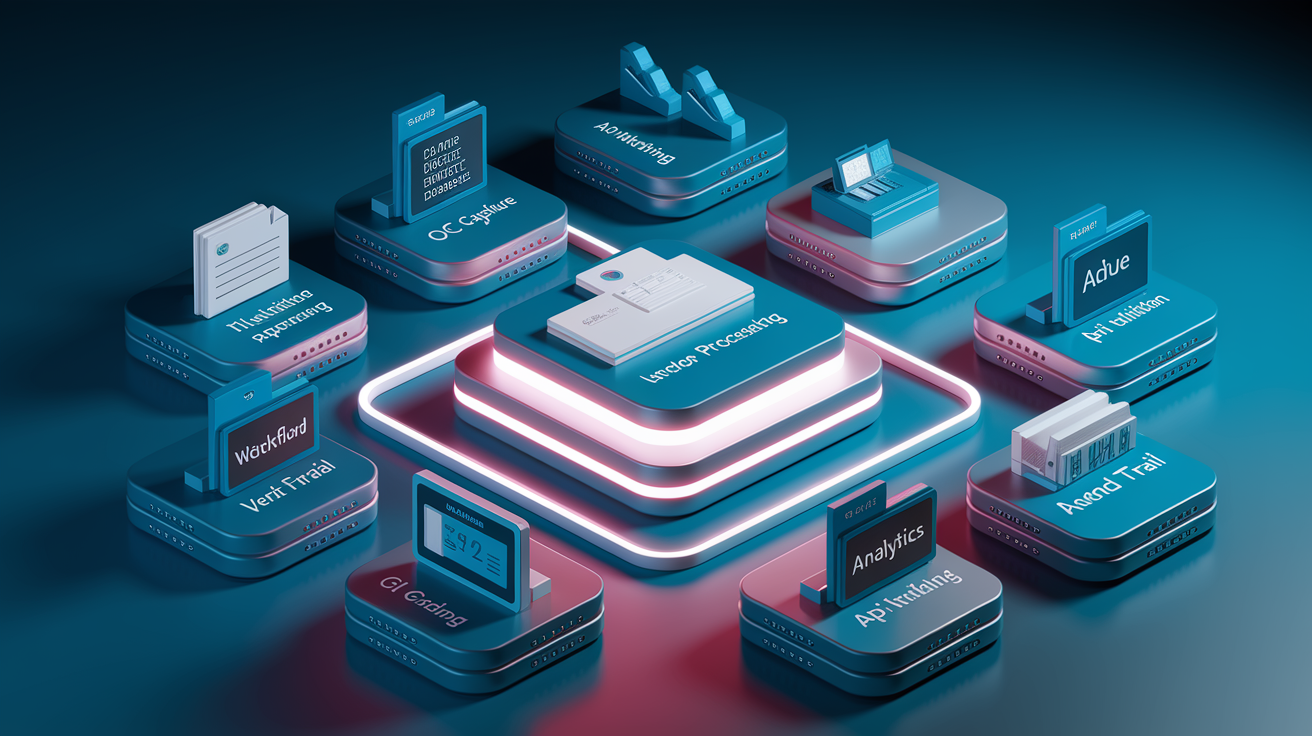
Modern invoice processing platforms combine OCR, workflow automation, integration, and analytics in a single configurable system. The right feature set depends on invoice volume, approval complexity, and ERP environment, but some capabilities are essential across the board.
OCR accuracy at the line item level determines how much manual data entry remains. Look for engines that handle a variety of invoice formats, including scanned images, PDFs, and photos. AI powered validation routines should cross check extracted data against POs, vendor records, and historical invoices to catch errors before the invoice enters the approval workflow. Smart approval routing lets you build multi level workflows with delegation, escalation, and out of office handling. The system should route by department, cost center, project, or dollar threshold, and send notifications to approvers via email or mobile.
Automated GL coding synced from ERP account rules. PO search and three way matching with configurable tolerance thresholds. Exception handling workflows for missing POs, variances, and duplicates. Vendor portal for electronic invoice submission and status tracking. Real time dashboards showing paid, pending, and overdue invoices. Audit trail with searchable history of all invoice actions. API integrations to ERP, accounting systems, and payment platforms.
Integration and ERP Connectivity in Invoice Processing
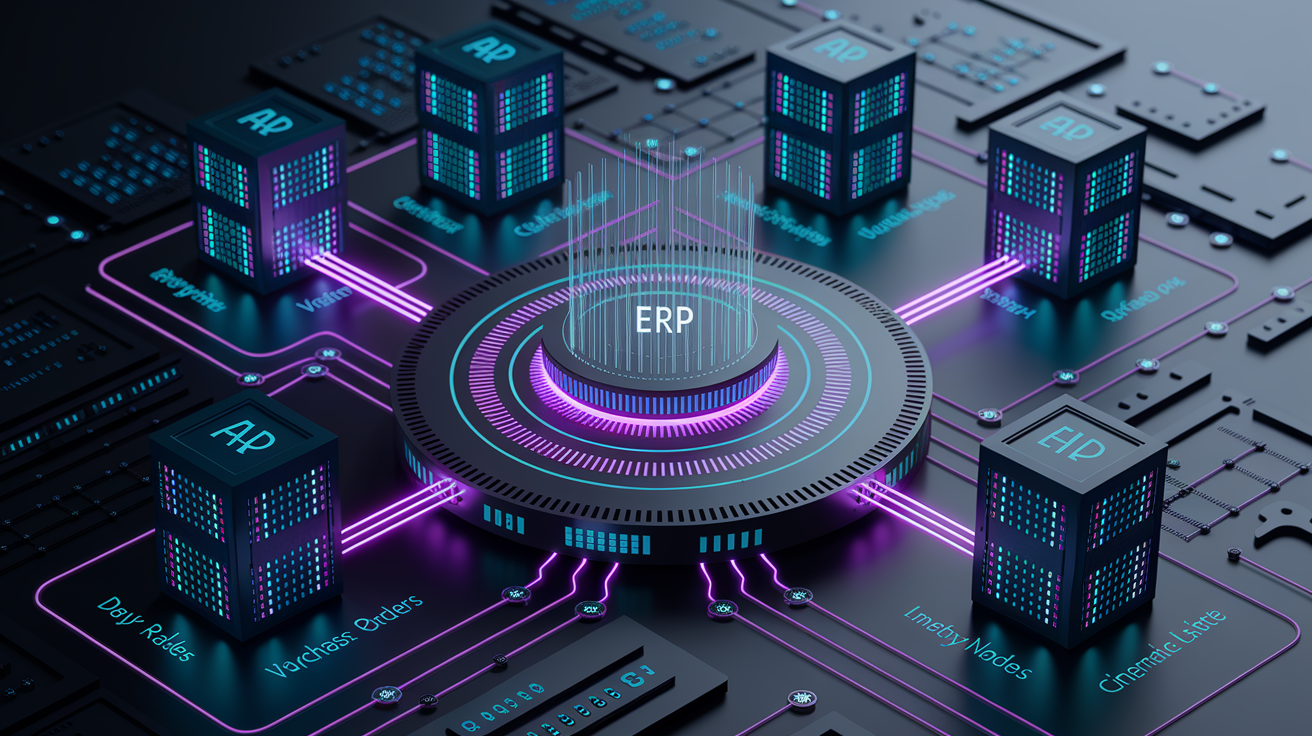
Invoice processing platforms integrate with ERPs via APIs, secure connectors, and middleware to synchronize vendor master data, GL coding rules, purchase orders, and payment status. Integration eliminates double entry, reduces errors, and ensures the AP platform and the ERP stay in sync. When an invoice is approved in the AP platform, it flows automatically into the ERP for payment. When payment is executed, the ERP updates the AP platform with payment date and method.
The depth of integration varies by ERP and vendor. Native integrations offer the tightest coupling and real time sync. Pre built connectors simplify setup but may require periodic updates. Middleware or iPaaS platforms handle complex or multi ERP environments. In multi entity or multi currency organizations, integrations must map invoices to the correct legal entity, currency, and GL structure.
| ERP Platform | Integration Depth |
|---|---|
| Microsoft Dynamics 365 (Business Central, Finance, GP) | Native API sync for vendor, PO, GL, payment; real time or scheduled batch |
| Oracle Fusion, Oracle NetSuite | Pre built connectors with bi directional sync; supports multi entity and multi currency |
| SAP ECC / S/4HANA | Middleware based or native OData/BAPI integration; handles complex approval hierarchies |
| Sage Intacct (including Construction) | API integration for GL, vendor, and payment data; supports project and cost center coding |
Benefits and ROI of Invoice Automation

Invoice automation delivers measurable time savings, cost reductions, and cash flow improvements. Organizations that adopt modern AP platforms typically report faster invoice processing, fewer errors, better discount capture, and lower AP headcount pressure. One case study reported invoices processed 6X faster after switching from a manual workflow to an automated platform. Another organization reduced monthly close from 11 days to 5 days by integrating order entry data with AP workflows, giving leadership financial reports twice as quickly.
Automation frees AP staff from repetitive data entry and allows them to focus on exception management, vendor relationship management, and process improvement. Teams that once struggled to handle tens of invoices per day can scale to hundreds or thousands without adding headcount. Real time dashboards give finance leaders visibility into pending payments, approval bottlenecks, and cash flow forecasts.
Reduced cost per invoice through elimination of manual entry and reduced error correction. Faster invoice cycle time, from days or weeks down to hours for straight through invoices. Lower exception rates through automated validation and matching. Improved early payment discount capture by flagging 1% Net 10 and 2/10 Net 30 terms. Higher invoices per AP FTE, reducing pressure to hire during volume spikes. Fewer late payment penalties and stronger supplier relationships.
Common Invoice Processing Challenges and How Automation Solves Them

| Challenge | Automation Solution | Impact |
|---|---|---|
| Paper based backlog and manual filing | Electronic intake via vendor portal, email parsing, and mobile capture; digital archive with full text search | Eliminates filing delays and lost invoices; enables instant search and retrieval |
| Manual data entry errors and inconsistent GL coding | OCR extraction and AI validation; API synced GL coding rules | Reduces error rates and ensures consistent account treatment |
| Missing or incorrect PO numbers | Automated PO lookup by vendor, amount, and line items; non PO approval workflows | Prevents approval delays and reduces manual research time |
| Slow approvals and email bottlenecks | Rule based routing with delegation and escalation; mobile approval notifications | Accelerates approval cycles and reduces invoice aging |
| Duplicate payments and fraud risk | Duplicate invoice detection by invoice number and amount; tolerance based anomaly detection | Prevents overpayments and strengthens financial controls |
Siloed data in spreadsheets and disconnected ERPs makes it hard to answer basic questions. How many invoices are pending approval? Which vendors are we paying late? Automation centralizes invoice data in a single platform with real time dashboards and drill down analytics. Audit trails log every action, so AP teams can quickly resolve disputes, demonstrate compliance, and support internal or external audits.
Implementation Roadmap for Invoice Automation

Successful invoice automation projects follow a structured roadmap that balances technical setup with change management. Start by mapping the current workflow. How invoices arrive, who handles data entry and coding, how approvals are routed, and where bottlenecks or errors occur. Gather a sample set of invoices representing the variety of formats, vendors, and PO types your AP team handles. Use these samples to test OCR accuracy and matching logic during vendor evaluation and pilot setup.
Establish integration points with your ERP, accounting system, and payment platforms. Identify which data elements need to sync in real time (vendor master, PO data, GL codes) and which can be batched (payment status updates, invoice archives). Configure OCR templates and validation rules for your most common invoice formats. Build approval workflows that mirror your current sign off structure, then layer in delegation and escalation rules. Enable electronic intake channels, such as a vendor portal, email parsing, and mobile capture, and communicate submission instructions to your suppliers.
Run a pilot with a subset of vendors, departments, or invoice types. Monitor KPIs such as cycle time, exception rate, and touchless processing percentage. Gather feedback from AP staff and approvers, and refine routing rules, tolerance thresholds, and GL mapping. Once the pilot proves the system works, roll out to the full vendor base in phases. Train AP staff on exception handling and reporting. Train approvers on the approval interface and mobile notifications. Assign an internal process owner to monitor KPIs, adjust workflows as the business evolves, and champion continuous improvement.
Map current workflow and document pain points. Gather representative invoice samples for OCR and matching tests. Configure integrations with ERP, accounting, and payment systems. Set up electronic intake channels and communicate instructions to vendors. Build approval workflows with delegation and escalation rules. Pilot with a subset of vendors or departments; measure cycle time and exceptions. Train AP staff and approvers; roll out in phases.
| Stage | Primary Task | Owner |
|---|---|---|
| Discovery | Map current workflow, identify integration points, gather invoice samples | AP Manager, IT |
| Configuration | Set up OCR, GL mapping, approval routing, and tolerance rules | AP Manager, Vendor |
| Pilot | Test with subset of vendors; measure cycle time, exceptions, and touchless % | AP Team, Pilot Approvers |
| Training | Train AP staff and approvers on new system and exception workflows | AP Manager, Vendor |
| Rollout | Expand to full vendor base; monitor KPIs and refine workflows | AP Manager, Process Owner |
Key KPIs and Analytics for Monitoring Invoice Processing Performance
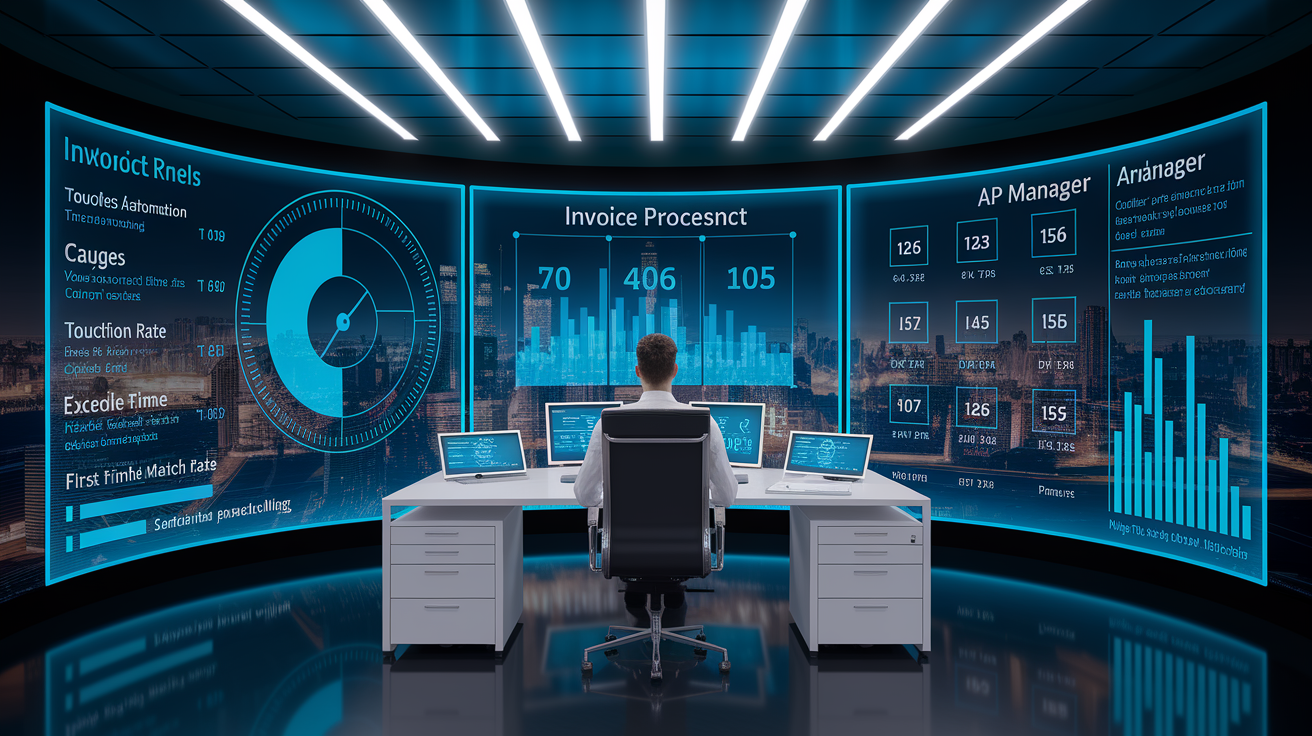
Measuring invoice processing performance requires tracking cycle time, accuracy, automation rate, and cost. End to end cycle time measures the days from invoice receipt to payment execution. Touchless automation percentage shows what portion of invoices flow through without manual intervention. Exception rate tracks invoices that require manual review or correction. Cost per invoice divides total AP operating costs by invoice volume, giving a clear efficiency metric.
Real time dashboards let AP managers monitor pending invoices, approval bottlenecks, and aging buckets. Drill down analytics show which vendors, departments, or invoice types generate the most exceptions. First time match rate, the percentage of invoices that pass validation and matching on first submission, is a strong indicator of data quality and workflow efficiency. Best in class companies achieve a 97.1% first time match rate, meaning exceptions are rare and most invoices are paid on time without manual work.
End to end cycle time: average days from receipt to payment. Touchless automation percentage: invoices processed without manual intervention. Exception rate: invoices flagged for manual review or correction. Cost per invoice: total AP operating costs divided by invoice volume. Invoices per AP FTE: measure of staff productivity and scalability. Days payable outstanding (DPO): average days to pay suppliers; useful for cash flow planning.
Industry Specific Considerations for Invoice Processing

Healthcare organizations process high volumes of invoices from medical suppliers, equipment vendors, and service contractors, often with complex PO matching and multi location approvals. Retail and distribution companies handle thousands of supplier invoices each month, requiring fast cycle times and tight integration with inventory and procurement systems. Manufacturing firms need line item matching against material receipts and quality inspections, and often operate in multi currency and multi entity structures. Construction companies manage field approvals, project code based routing, and progress billing, making mobile access and flexible approval workflows essential.
Multi currency invoicing adds complexity around exchange rates, VAT, and sales tax. Automated platforms handle currency conversion and tax calculation, but AP teams must verify that tax codes and rates are current. Supplier portals reduce invoice errors by enforcing structured submission formats and giving vendors real time visibility into invoice status. High scale environments benefit from vendor onboarding programs that train suppliers to submit invoices electronically and in the correct format.
High invoice volumes with tight payment deadlines in retail and distribution. Complex multi location and field approvals in construction and logistics. Line item and quality inspection matching in manufacturing. Multi currency, multi entity, and tax compliance requirements across industries.
Considerations When Selecting an Invoice Processing Vendor
Choosing the right invoice processing vendor starts with a clear understanding of your current AP workflow, pain points, and integration requirements. Evaluate OCR accuracy by testing the vendor’s system with your own invoices. Ask about AI powered validation and duplicate detection capabilities. Review the depth of ERP integration, especially if you run a complex or multi entity environment. Check whether the vendor offers pre built connectors for your ERP or whether custom middleware is required.
Usability matters. AP staff and approvers need an interface that’s fast, intuitive, and mobile friendly. Exception handling workflows should be configurable without developer help. Security controls such as SOC2 certification, encryption, and role based access are essential for compliance and audit readiness. Vendor support and training should include onboarding, process design, and ongoing optimization. Pricing models vary. Some vendors charge per invoice processed, others use subscription or user based pricing. Understand the total cost of ownership, including integration, training, and support fees.
OCR and line item extraction accuracy tested with your invoices. AI powered matching, duplicate detection, and fraud prevention. Deep ERP integration with bi directional sync and real time or batch updates. Configurable approval workflows with delegation, escalation, and mobile access. Security and compliance controls: SOC2, encryption, audit trails, role based access. Vendor support, training, and process design assistance during onboarding.
Things to Keep in Mind When Optimizing Invoice Processing
Invoice processing is not a set it and forget it system. AP teams should continuously monitor exception trends, refine approval routing rules, and update GL coding as departments and projects evolve. Process mining tools can analyze invoice workflows to identify bottlenecks, such as approvers who consistently delay sign off or departments with high exception rates. Regular vendor data hygiene prevents mismatches caused by outdated addresses, duplicate vendor records, or incorrect GL mappings.
Common mistakes include inconsistent GL coding across similar invoices, ignoring exception trends that signal upstream problems, and delaying supplier onboarding. Supplier onboarding should be proactive, not reactive. Invite new vendors to submit invoices electronically from day one, and provide clear submission instructions and a vendor portal link.
Review exception trends monthly to identify root causes and refine validation rules. Update GL coding and approval routing as org structure and projects change. Conduct vendor data hygiene checks quarterly to eliminate duplicates and outdated records. Onboard new vendors proactively with electronic submission instructions and portal access.
Final Words
In the action, we covered the nuts and bolts of invoice processing, what it is, manual vs automated, modern workflow steps, must-have software features, ERP integration, ROI, common problems, implementation roadmap, KPIs, industry needs, vendor selection, and optimization tips.
You saw how automation cuts errors, speeds approvals, and gives clearer cash visibility, plus the features and metrics to watch.
Take small steps: map your process, pilot changes, measure KPIs, and adjust. Done right, invoice processing will free up time, improve cash flow, and reduce surprises.
FAQ
Q: What is meant by invoice processing?
A: Invoice processing means the accounts payable work that receives vendor invoices, validates data and approvals, then prepares them for payment and financial posting to keep payments accurate, compliant, and timely.
Q: What is the 3 way invoice process?
A: The 3-way invoice process is matching the supplier invoice, the purchase order (PO), and the goods receipt (receiving report) to confirm quantities, prices, and approval before authorizing payment.
Q: What are the three main steps involved in invoice processing?
A: The three main steps involved in invoice processing are receiving the invoice, verifying and matching it to POs or receipts and approvals, then approving, scheduling payment, and posting to the ledger.
Q: Can you invoice through Gusto?
A: Gusto does not provide a full customer invoicing tool; it focuses on payroll, benefits, and contractor payments. Use billing software (QuickBooks, Xero) and integrate that with Gusto instead.