


Think paper invoices are old-school?
They still beat a dead battery when you need a duplicate on the job.
If you’re a contractor who needs clear copies fast, carbonless invoice books give instant duplicates, pre-numbered tracking, and a sturdy pad you can use on a truck tailgate.
This post compares the best carbonless options, shows where to buy them, and explains the must-have features like copy count, size, preprinted fields, backing board, and numbering.
Read on to match the right book to how you work and how you get paid.
Where to Buy a Contractors Invoice Book and What Features to Look For
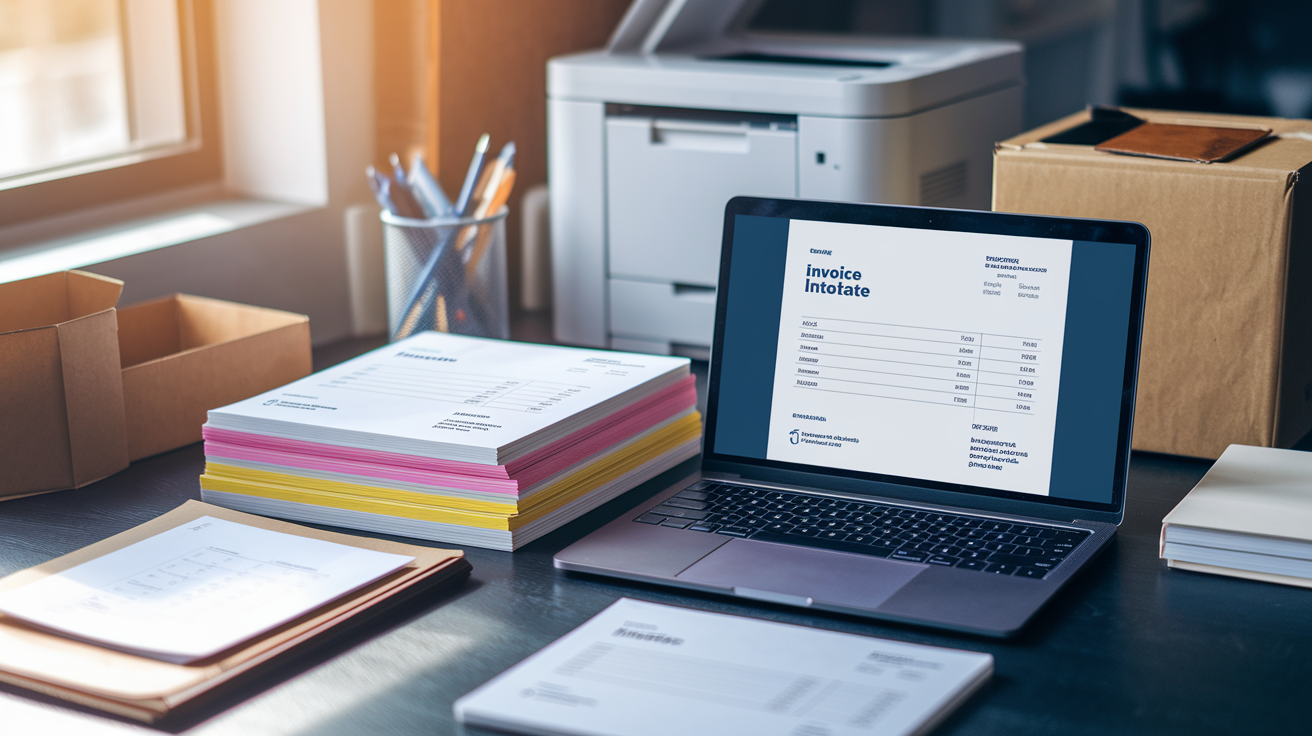
You can grab contractors invoice books from specialist business form vendors, office supply stores, or download them instantly from online form libraries. Physical books come from suppliers like Blue Summit Supplies or the usual office brands (Adams, TOPS, National). For instant downloads, vendors like BuildersBook.com offer ready-to-print templates such as Form 216 — Contractor’s Job Invoice (Download), delivered as PDF and RTF files. Office stores stock carbonless books on shelves. Online vendors either ship books within a few days or send digital templates through a secure link right after you pay.
Physical books use carbonless NCR paper that creates duplicates through writing pressure, so every invoice automatically gets at least one extra copy for your records. Typical options include Contractors Invoice Book with 3-Part Carbonless Forms with white, pink, and yellow copies. Books usually contain 50 invoice sets per pad, perforated tops, and cardboard separator backing to stop impression marks from bleeding onto lower sheets. Digital downloads skip duplication entirely. You’ll need to print every copy yourself on standard letter paper at home or in the office.
When you’re choosing between downloadable and printed options, think about turnaround speed, how you want copies made, and whether sequential numbering matters for tracking jobs. Downloadable forms give you immediate access, full editability before printing, and no shipping wait. But you’ll need a printer and software like Adobe Reader or Microsoft Word to fill and print them. Printed carbonless books deliver instant duplicate copies without any technology, include pre-numbered stubs for simple audit trails, and work on-site without electricity. The books arrive through shipping and typically come in fixed 50-set pads with no way to edit preprinted sections.
Consolidated Specifications for Contractor Invoice Books
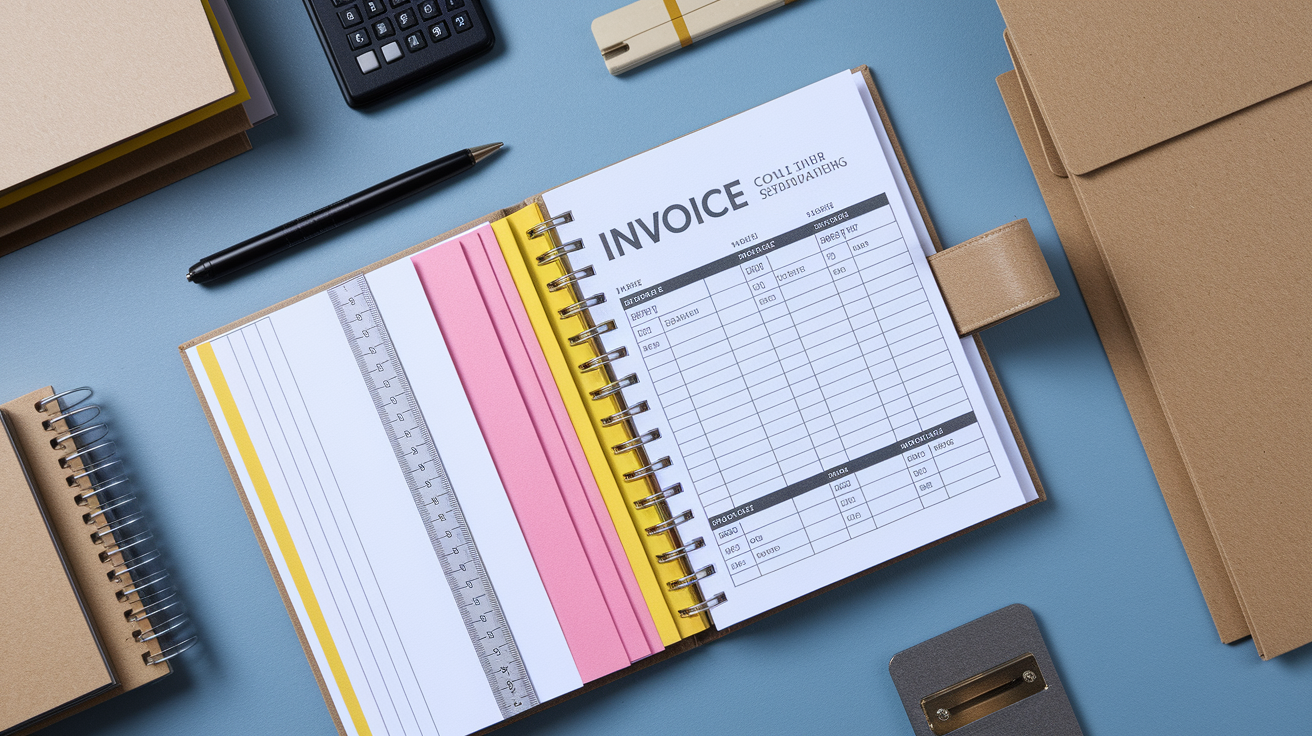
Printed contractor invoice books get manufactured to consistent dimensions and paper counts across most suppliers. Blue Summit Supplies produces books with a bound tablet measuring 8 3/8 inches by 11 3/8 inches. Individual invoice sheets are perforated at the top edge and measure 8 3/8 inches by 10 3/8 inches once you tear them free. Each book typically holds 50 invoice sets. Each set consists of three carbonless layers: white top copy, pink duplicate, and yellow triplicate, all preprinted in blue ink. The preprinted fields cover payment amounts, due dates, work order numbers, and a large description of work section, plus a blank header area meant for a custom company stamp.
The physical build uses thin cardboard backing that folds out to double length. It serves as a protective separator that prevents writing pressure from transferring imprint marks to the set below. All sheets are perforated for clean tear off, and the binding is top bound to let you flip easily while filling out forms on a clipboard or truck tailgate. Standard specifications include:
- Paper size: 8 3/8 × 10 3/8 inches after perforation
- Forms per book: 50 sets
- Copies per set: 3 part (white, pink, yellow)
- Binding: top bound with perforated edge
- Perforation: straight line tear at top edge
- Backing: foldable cardboard separator sheet
Required Preprinted Fields in a Contractors Invoice Book
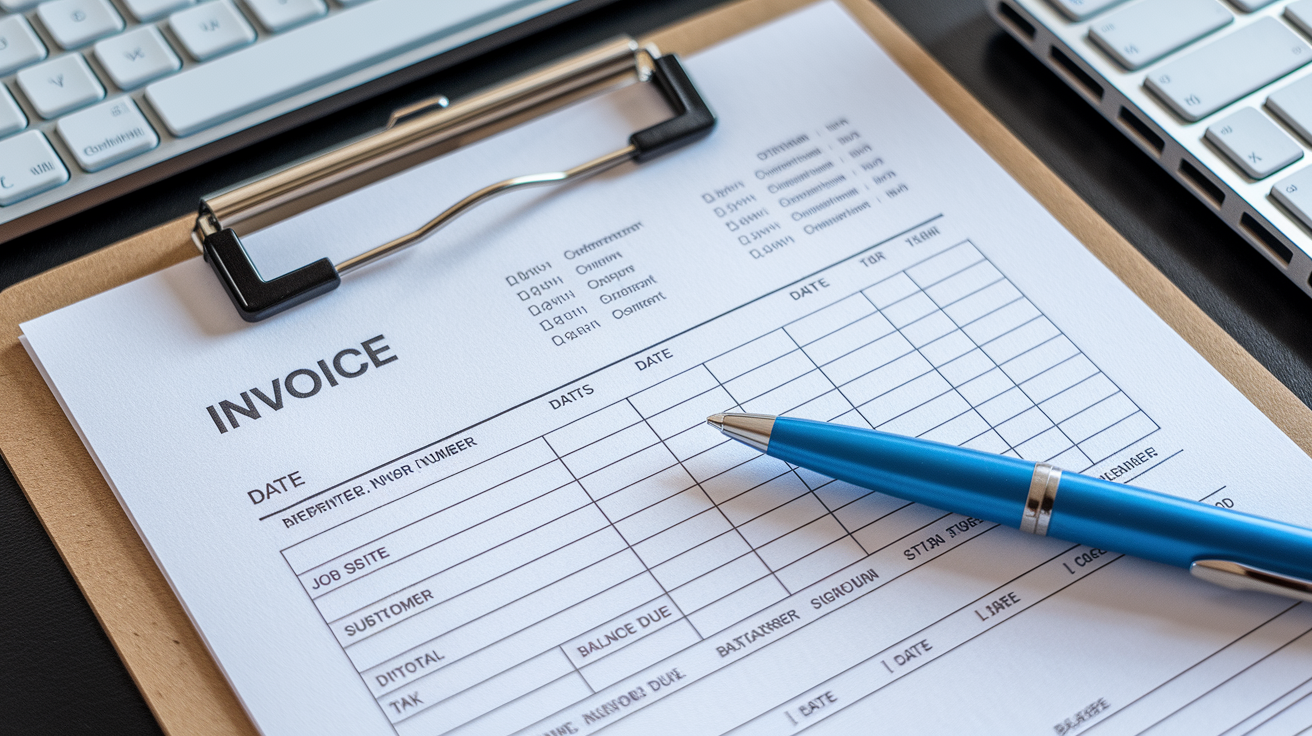
Every contractor invoice book needs a consistent set of preprinted fields to speed up handwriting and reduce missed information. The top section typically includes job reference data like invoice number, date, job name or site address, work order number, and bid number. These fields let you quickly match contracts to payments and prevent confusion when you’re running multiple jobs at once. Customer information fields follow, with space for business or homeowner name, billing address, and contact number. This keeps the communication chain clear when payment discussions happen weeks after you finish the work.
The core of the invoice is the description of work section. It occupies the largest space on the page. This area lets you enter materials purchased, labor hours worked, equipment rentals, subcontractor costs, and change orders added during the project line by line. Most preprinted forms break this section into columns for item description, quantity, unit price, and line total. Tax fields sit below the itemized list, with separate lines for subtotal, tax rate, tax amount, deposits already paid, and final balance due. Blue Summit and Form 216 both include clearly marked subtotal and balance due lines at the bottom, with bold or bordered boxes to prevent calculation errors.
The footer section contains signature and date fields for both contractor and customer. These fields turn the invoice into a legally binding payment request, confirming that work described has been performed and payment is due according to the stated terms. Some invoice books also preprint warranty language, lien waiver references, or accepted payment methods below the signature line. Payment method checkboxes for cash, check, card, or bank transfer often appear at the bottom right, along with a small notes section for recording partial payments or scheduling follow up collection dates.
How Carbonless Multi-Part Invoice Books Work
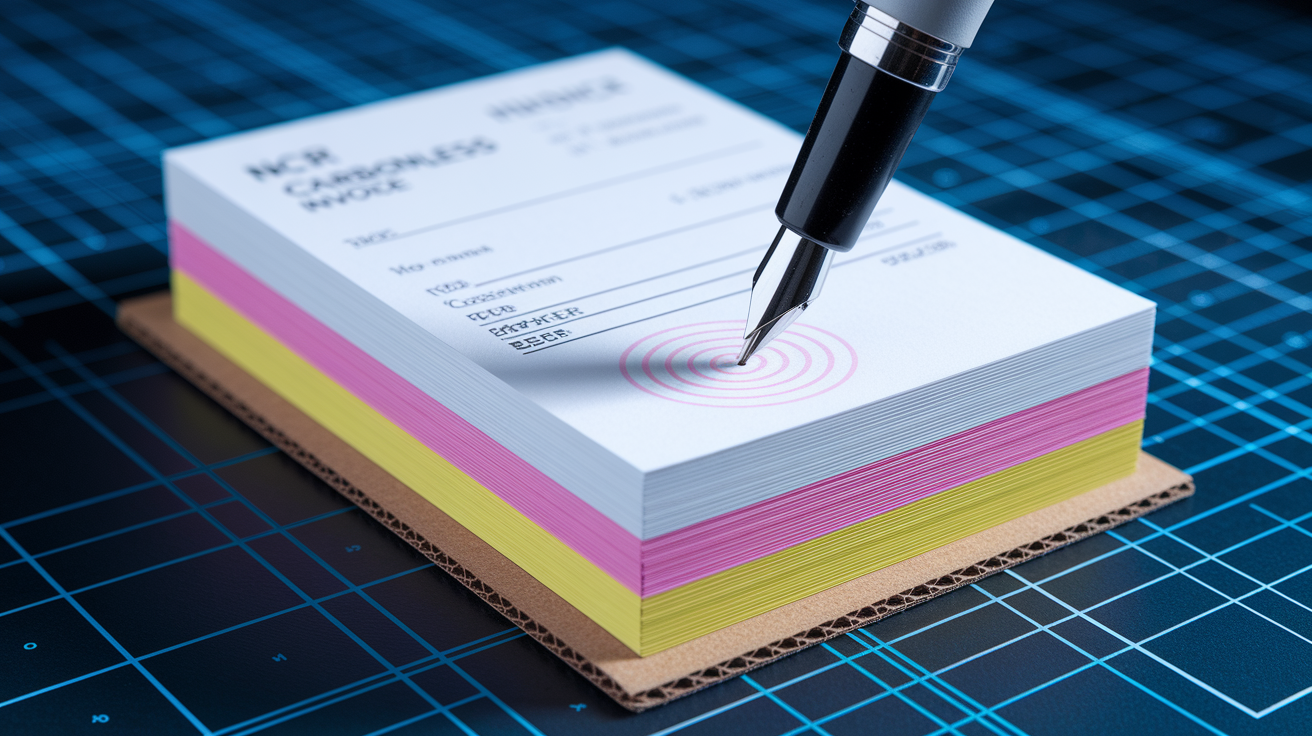
Carbonless invoice books use NCR (No Carbon Required) paper, a treated paper technology that transfers handwriting pressure from the top sheet to the layers below without the mess or smudging of loose carbon sheets. The top white sheet is coated on the back with microcapsules of dye, and the sheets below are coated on the front with a reactive clay layer. When you press a pen onto the white sheet, the capsules burst and the dye reacts with the clay on the pink sheet below, creating a visible duplicate. The same pressure transfers again from pink to yellow if the book is a triplicate set. The white original typically goes to the customer. The pink stays bound in the contractor’s book. And the yellow can be sent to the office or bookkeeper.
To prevent accidental transfer of writing onto the next invoice set, most books include a thin cardboard backing sheet that folds out to double its length. This separator slides between the current invoice and the pad below, stopping pressure from the pen from marking invoices you haven’t filled out yet. Without this backing, heavy handwriting can leave faint ghost impressions on the set underneath, messing up the sequential numbering and creating confusion during audits. The process of using carbonless forms follows a simple pattern:
- Slide the cardboard separator under the current invoice set.
- Write normally on the white top sheet with moderate pen pressure.
- Writing transfers through white to pink, and pink to yellow.
- Tear along the perforation to remove the white original.
- Pink and yellow copies remain bound in the book as your duplicate record.
Comparing Downloadable Invoice Forms to Printed Contractor Invoice Books
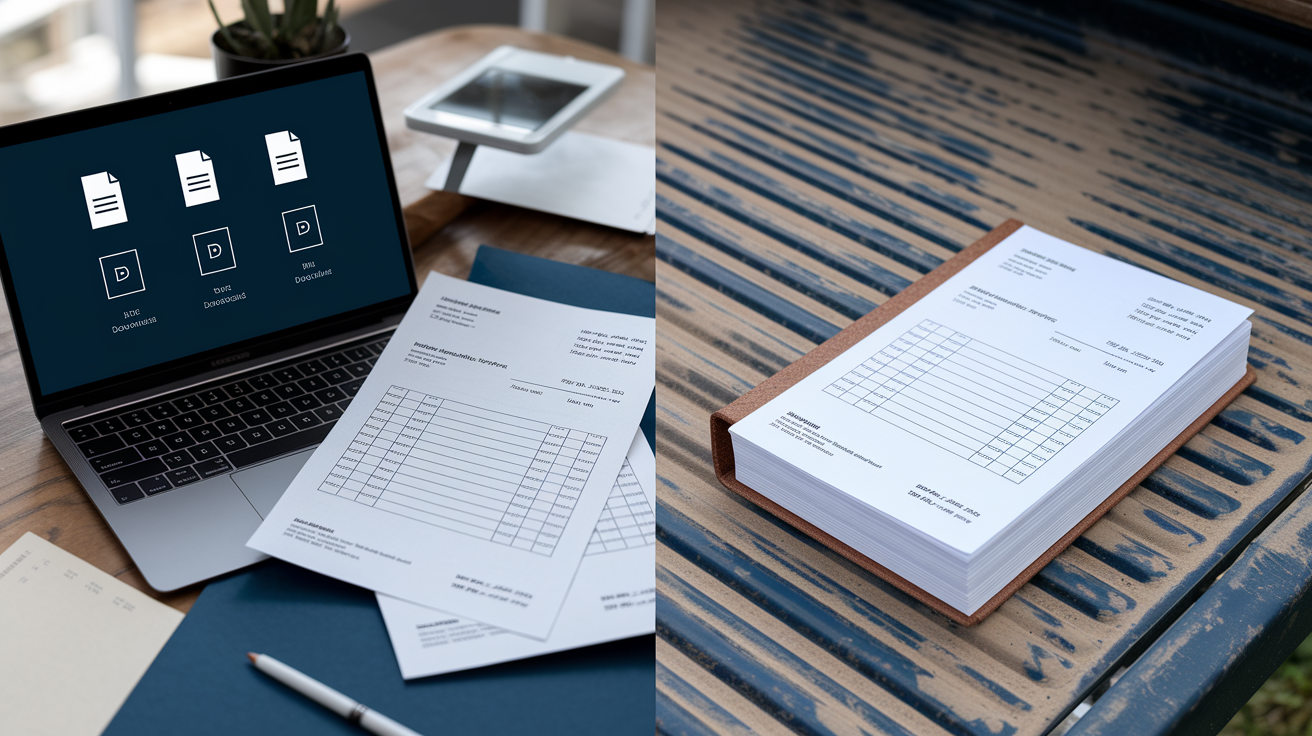
Downloadable contractor invoice forms, like Form 216 — Contractor’s Job Invoice (Download), arrive as compressed files in PDF and RTF formats. They require Adobe Reader for PDF or Microsoft Word for RTF. After payment, a secure download link is sent instantly. The file needs extraction using a tool like 7-Zip if it’s compressed. The forms are formatted for standard letter size paper (8 1/2 × 11 inches) and include the same signature and date fields at the bottom as printed books. Downloadable forms are final sale and non-refundable. Each party must print their own copy since there’s no built-in duplication.
Printed contractor invoice books ship as physical pads with 50 pre-bound invoice sets, typically costing between six and twenty five dollars per book. It depends on whether they’re duplicate or triplicate and whether customization like logo printing is included. Physical books automatically create copies through carbonless pressure, so you get a pink contractor copy and optionally a yellow office copy without needing a printer, toner, or electricity. Printed books also tend to include pre-numbered invoice stubs for audit control, while downloadable forms require you to manually type sequential numbers into an editable field before printing each invoice.
The main tradeoff is immediacy and flexibility versus built-in duplication and portability. Downloadable forms let you edit every field, add a logo digitally, and print as many copies as you want, whenever you want them. Printed books work on-site in the truck or at the jobsite without any device, produce instant duplicates that stay bound in order, and survive dust, water splashes, and rough handling better than loose printed sheets. If you’re filling invoices at a desk with a printer nearby, downloadable forms cost less per invoice and offer more customization. If you’re working in the field and handing invoices to customers on the spot, printed carbonless books are faster and simpler.
| Format | Advantages | Limitations |
|---|---|---|
| Downloadable (PDF/RTF) | Instant access, fully editable, unlimited reprints, lower cost per invoice, customizable before each print | Requires printer, software (Adobe Reader or Word), no automatic duplication, manual numbering, non-refundable download |
| Printed Carbonless Books | Instant duplicate copies, pre-numbered, works on-site without electricity, durable in field conditions, bound record keeping | Shipping delay, fixed preprinted layout, cannot edit fields, higher per-invoice cost, must order refills when book runs out |
Invoice Numbering Systems for Contractors
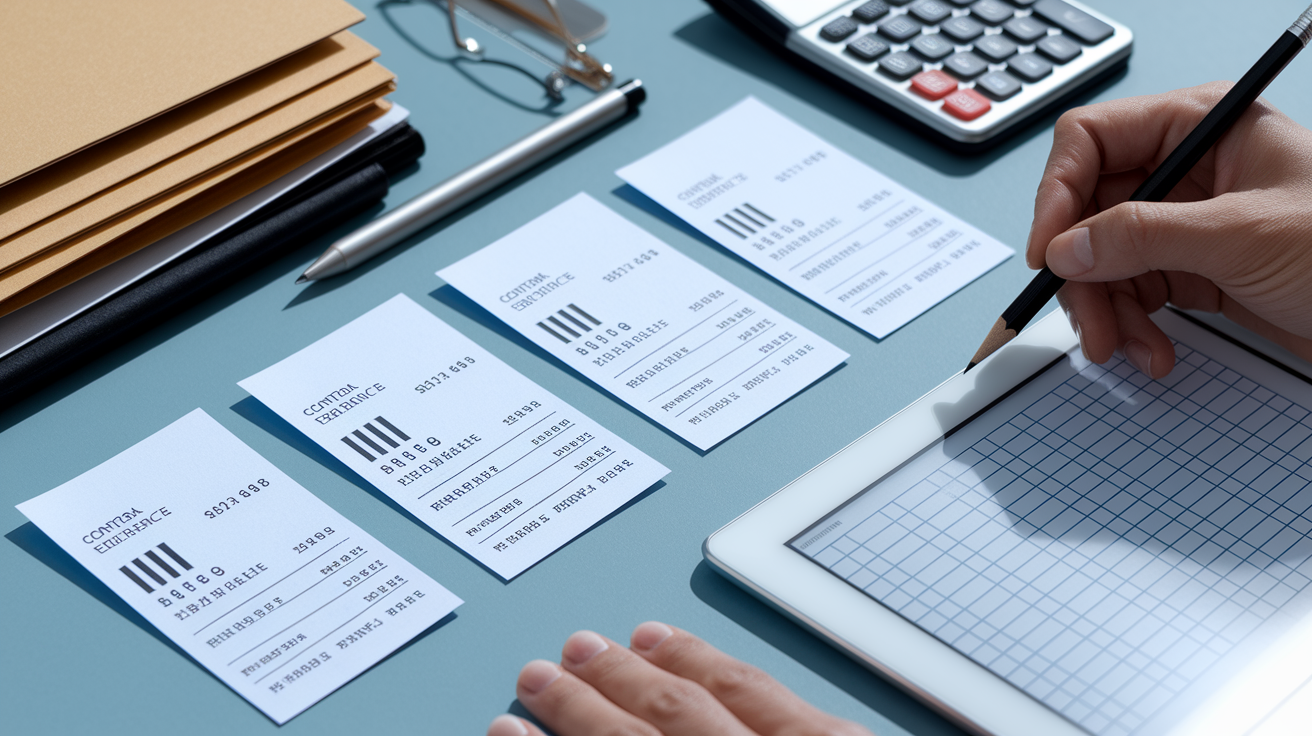
Sequential invoice numbering is critical for tracking payments, preventing duplicate billing, and maintaining a clean audit trail during tax season or bookkeeping reviews. Most printed contractor invoice books include pre-numbered stubs with three to six digits, often starting at 001 or 1001 and running consecutively through the 50 set pad. When you order multi-book packs, some vendors allow you to request that numbering continues across books, so book one ends at 050 and book two starts at 051, keeping your entire year’s invoices in unbroken order. Pre-numbered books make it impossible to accidentally skip or reuse an invoice number, which can raise red flags during audits or disputes.
Downloadable invoice forms require you to type the invoice number manually into an editable field before printing. This gives full control over the numbering system. You can start at any number, use alphanumeric codes like “2024-JOB-045,” or restart numbering each calendar year. But it also requires discipline to increment the number correctly every time. If you print invoices sporadically or handle multiple job types, a manual system can work well with a simple tracking spreadsheet that logs the last used number. For contractors who bill daily or run several crews, the built-in numbering of printed books removes the risk of human error and keeps records automatically sequential without extra steps.
Common Contractor Job Type Examples Used in Invoice Books
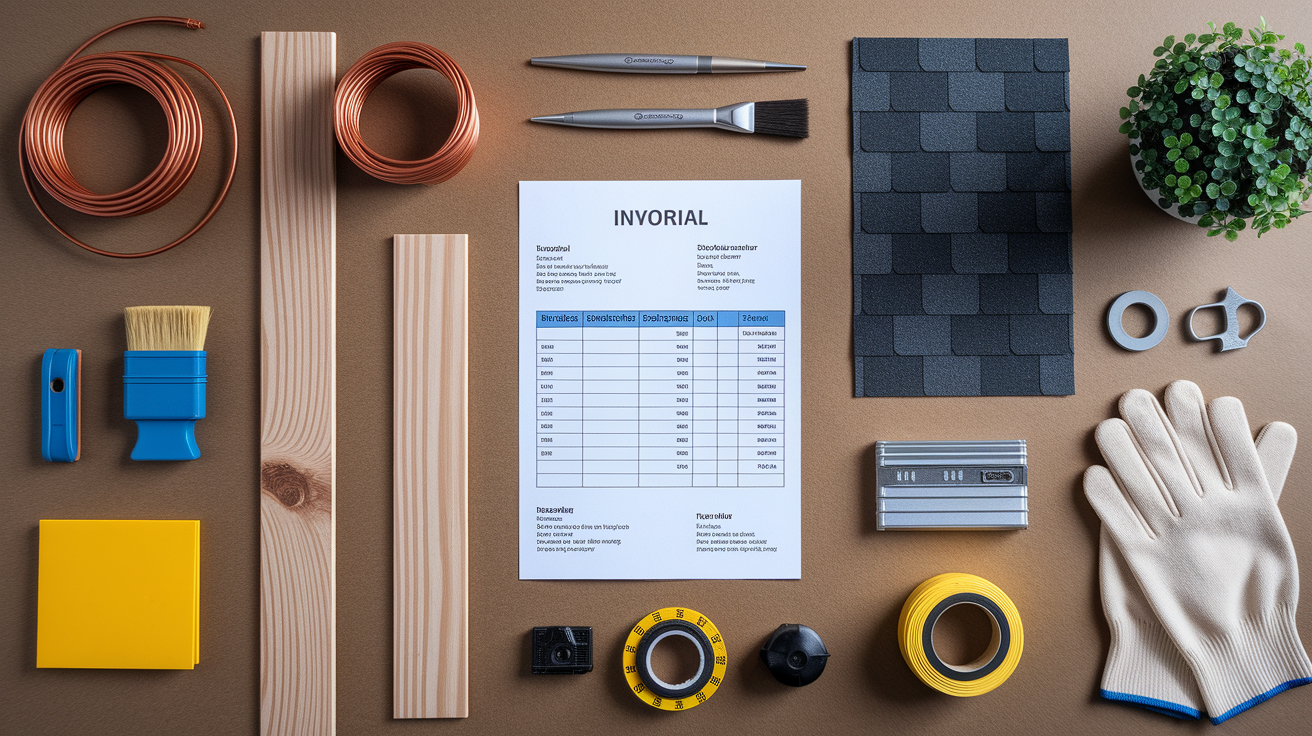
Contractor invoice books serve trades across the construction and service industries, and the same preprinted fields adapt to vastly different job types. A plumbing invoice might list pipe fittings, fixture installation, hourly labor for leak repair, and emergency call out fees, with line items for PEX tubing, solder, flux, and valve replacements. An electrical contractor uses the same form to itemize breaker panels, wire runs by footage, outlet installations, and permit coordination, often adding separate labor entries for rough in and finish work. Roofing invoices break out shingle squares, underlayment rolls, flashing, ridge vents, tear off labor, and disposal fees. Painting jobs list primer, topcoat gallons, caulking, surface prep hours, and scaffolding rental.
Landscaping and groundwork contractors use the description of work section for plant material, mulch by the yard, sod installation, grading hours, and equipment like skid steer or auger rentals. Joinery and finish carpentry invoices show custom millwork, hardwood board footage, stain and finish materials, installation hours, and hardware like hinges or drawer slides. The flexibility of a single invoice format across all these trades comes from the large open description section and the simple quantity times rate column structure. Each trade fills the same boxes, just with different materials and different hourly rates.
Every invoice type still ends with the same subtotal, tax, deposit, and balance due fields. All require a customer signature at the bottom to confirm the work scope and authorize payment. Whether the job is a two hour service call or a three month renovation, the invoice structure stays identical. That consistency makes it easy to train new office staff or field workers, and it keeps all your records in the same format no matter which crew or trade completed the work.
Payment Terms and Legal Essentials Found in Contractor Invoice Books

The signature and date fields at the bottom of a contractor invoice form turn it from a list of charges into a legally binding request for payment under the contract terms. When the customer signs, they acknowledge that the described work was performed, the materials listed were supplied, and payment in the stated amount is now due. Form 216 and similar invoice templates are designed specifically to serve as payment requests, not just record keeping receipts. That signature line creates enforceability if payment disputes go to collections or court.
Payment terms typically appear in a small preprinted area near the signature block or in the notes section at the bottom. Common terms include “Net 15,” “Net 30,” “Due Upon Receipt,” or “50% deposit, balance due on completion.” Late payment clauses and interest rates sometimes appear in fine print, such as “1.5% monthly interest on balances over 30 days past due.” Including these terms on every invoice, rather than burying them in a separate contract, keeps the payment deadline clear and legally documented on the record the customer receives. Some contractors add warranty language, like “Workmanship guaranteed for 12 months,” or lien waiver notes, like “Final payment releases contractor’s right to file mechanic’s lien.”
Payment method options often appear as checkboxes or fill in fields, helping both parties confirm how payment will be made and ensuring the contractor’s banking information is correct. Common payment method lines include:
- Cash or check payable to [contractor business name]
- Bank transfer (provide sort code and account number)
- Credit or debit card (provide authorization signature)
- Payment app or digital wallet (note transaction reference)
Record Keeping and Storage Practices for Paper Contractor Invoices
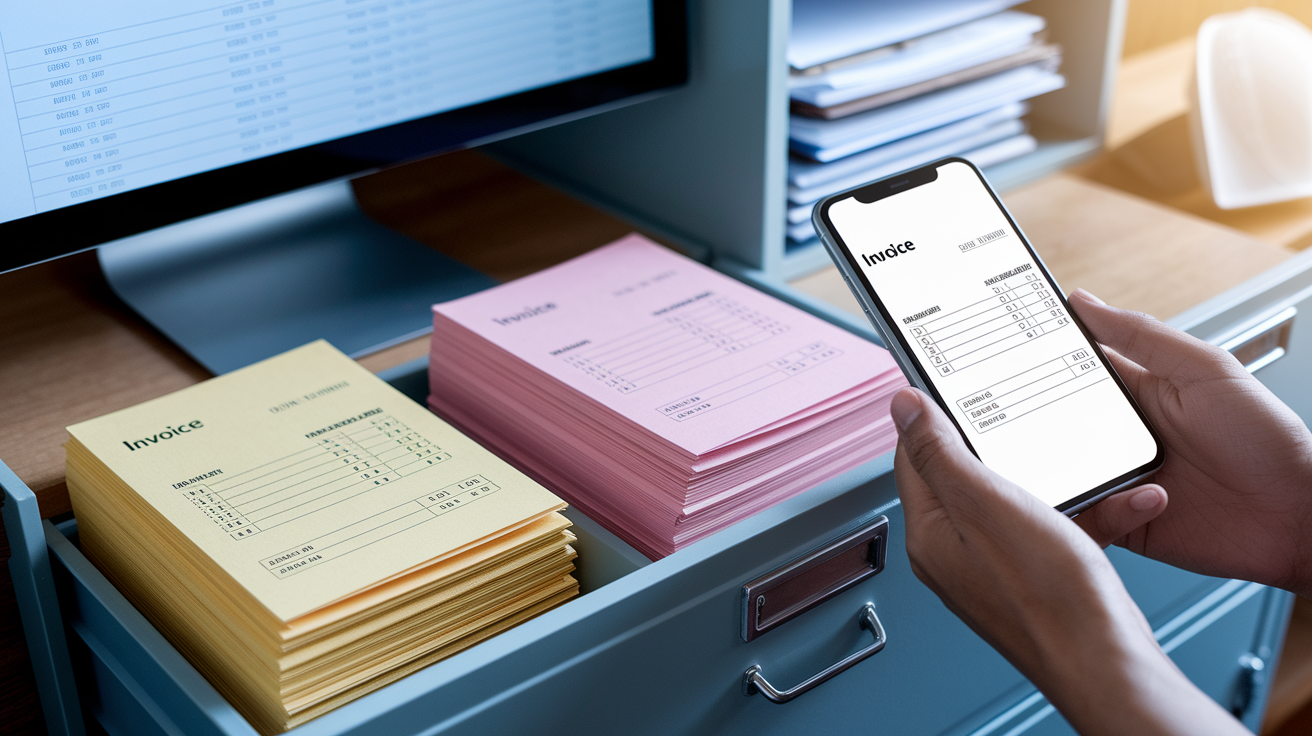
Carbonless invoice books naturally create a bound record of every invoice issued, with the pink and yellow copies staying in the pad after the white original is handed to the customer. That built-in duplication makes record keeping simple. You tear off the customer copy, and your duplicate is already filed in sequential order. The pink copy typically remains in the book for quick reference in the truck or on-site, while the yellow copy can be removed and sent to the office for entry into accounting software or filing in a job specific folder. The bound format prevents accidental loss or shuffling of invoices, and flipping through the pad gives a fast visual audit of recent jobs.
NCR carbonless copies remain legible for years when stored in normal indoor conditions. But they can fade if exposed to direct sunlight, high heat, or prolonged contact with certain plastics or solvents. Store completed invoice books in a drawer, filing cabinet, or banker’s box, away from windows and heat sources. If you need long term digital backup, scan the pink copies using a flatbed scanner or smartphone scanning app with OCR (optical character recognition) capability. OCR converts the handwritten or printed invoice data into searchable text, letting you find invoices by customer name, job number, or date without flipping through physical pads.
Many contractors integrate paper invoices with accounting software by entering key data points like invoice number, date, customer, total, and payment status into QuickBooks, Xero, or FreshBooks. This hybrid approach keeps the legal paper trail intact while enabling digital reporting, aged receivables tracking, and automatic payment reminders. Retention rules vary by jurisdiction, but most small business advisors recommend keeping paper or scanned invoices for at least six years to cover tax audits, warranty claims, and potential legal disputes. Label completed invoice books with the year and store them in chronological order, making retrieval fast when a customer calls about a past job or when an accountant requests documentation.
Tools and Supplies That Improve On-Site Invoicing for Contractors

Filling invoices in the field requires practical accessories that keep the paperwork stable, legible, and protected from jobsite conditions. A sturdy clipboard with a storage compartment holds the invoice book flat while you write, prevents wind from flipping pages, and provides a hard backing that makes handwriting clearer on carbonless forms. Heavy duty clipboards with rubberized edges or metal corners survive drops onto concrete and resist bending when tossed into the truck bed. Some contractors use invoice holders with built in pen loops and card slots, keeping the invoice book, a pen, and a business card together in one portable package.
Waterproof or tear resistant invoice books are available from specialty vendors for contractors who work outdoors or in wet conditions like plumbing, HVAC, or landscaping. These books use synthetic paper that sheds water and resists tearing, keeping invoices readable even if they get splashed or handled with dirty hands. The cardboard separator backing in standard invoice books also acts as a firm writing surface when you’re filling forms while standing or leaning against a vehicle. Always check that the separator is positioned correctly before writing. It should slide between the current set and the pad below to prevent accidental impression marks on the next invoice.
Additional on-site invoicing accessories that improve speed and accuracy include:
- Retractable pen with clip attachment for the invoice book cover
- Clear vinyl protective cover to shield the top invoice from dust and moisture
- Pre-inked custom company stamp for the blank header area
- Small calculator or smartphone calculator app for quick subtotal and tax calculations
Final Words
Need an invoice system fast? Choose the format that fits—downloadable Form 216 or a printed 3‑part carbonless book like Blue Summit.
This guide covered where to buy, common sizes and specs, required preprinted fields, how carbonless copies work, numbering tips, payment and legal essentials, storage, and on‑site tools.
Pick the right contractors invoice book for your trade and workflow, and you’ll bill cleaner and get paid sooner.
FAQ
Q: Where can I buy a contractors invoice book and what options exist?
A: You can buy a contractors invoice book as an instant downloadable form (like Form 216 PDF/RTF) or as printed carbonless pads such as Blue Summit Supplies’ 3‑part, 50‑form books.
(Download Form 216: https://buildersbook.com/216-contractor-s-job-invoice-download.html?srsltid=AfmBOorirnP9UsmMQfOLipcV9RgdlIXpMAhivnYeEvWNXYgX5TpuBTyD) (Blue Summit book: https://www.bluesummitsupplies.com/products/contractors-invoice-book-377)
Q: How do downloadable invoice forms compare to printed contractor invoice books?
A: Downloadable invoice forms are editable PDF/RTF files you print or edit in Word (fast, flexible); printed books are 50‑set, 3‑part carbonless pads ready for on‑site duplicates and instant copies.
Q: What sizes and physical specifications do contractor invoice books typically have?
A: Contractor invoice books typically come in sizes like 8.5 × 11 and 8‑3/8 × 10‑3/8, 50‑set pads, 3‑part color copies, blue‑ink printing, perforation, cardboard backing, and sequential numbering.
Q: What preprinted fields should a contractors invoice book include?
A: A contractors invoice book should include job description, materials cost, labour breakdown (hourly or flat), change orders, tax, subtotal/total, job reference/PO number, and signature/date lines.
Q: How do carbonless multi‑part invoice books work?
A: Carbonless multi‑part invoice books use NCR paper that chemically transfers your handwriting into duplicates; you write once to produce white/pink/yellow copies, with a cardboard backing to stop imprint transfer.
Q: How should I set up invoice numbering for bookkeeping and audits?
A: Invoice numbering should be sequential (usually 3–6 digits), continue across multi‑book packs, and use pre‑numbered stubs to prevent duplicates and create a clear audit trail for bookkeeping.
Q: Which common contractor job types fit the fields on these invoice books?
A: Common job types—plumbing, electrical, roofing, painting, landscaping, joinery—fit the same invoice fields, with line items for parts, labour, permits, and job‑specific notes.
Q: What payment terms and legal essentials should be on contractor invoices?
A: Invoices should state due date, deposit amount, accepted payment methods (bank transfer/BACS, card, cheque), late fee wording, warranty text, and require signature/date to make the request clear and binding.
Q: How should I store and back up paper contractor invoices?
A: Paper invoices should be kept flat to protect NCR layers, retained for the required period, scanned with decent OCR for backups, and linked to your accounting software for easy retrieval.
Q: What tools and supplies improve on‑site invoicing for contractors?
A: Heavy‑duty covers, waterproof or tear‑resistant paper, a stable writing surface or clipboard, and pens rated for carbonless NCR paper make on‑site invoicing faster and avoid smudges or lost copies.